.svg)
They Sign ContractsContractor verification, compliance checks, permit analysis, the due diligence that protects construction projects takes days when done manually. We build systems that deliver verified intelligence in under a minute.
Wants to Talk AboutEvery construction project starts with a decision: which contractor do you trust with the work? In theory, the answer involves checking license status, corporate registration, complaint history, insurance, and customer reviews. In practice, most of that homework never happens, not because people don’t care, but because the information is buried across a half-dozen disconnected databases with no single point of access.

In Florida alone, verifying a single contractor means checking the Department of Business and Professional Regulation for license status, the Division of Corporations (SunBiz) for business registration, the Better Business Bureau for complaints and ratings, Google for customer reviews, and workers’ compensation databases for insurance verification. Each system has its own interface, its own search logic, and its own data format. A thorough check takes hours. Most property owners skip it.
An unlicensed contractor performing work over $500 in Florida is committing a felony. A contractor with an expired license, unresolved complaints, or no workers’ compensation insurance exposes property owners to financial and legal liability. The Notice of Commencement requirements under Florida Statute Chapter 713 add another layer, miss the filing threshold and you lose lien protection. None of this is exotic knowledge, but it’s locked behind bureaucratic interfaces that most people never navigate.
For individual homeowners, checking one contractor is tedious. For property managers overseeing a portfolio, or general contractors vetting subcontractors across multiple projects, manual verification is impossible at scale. The alternative, skipping due diligence and hoping for the best, is how projects end up with unlicensed workers, uninsured crews, and legal exposure that surfaces months after the work is done.
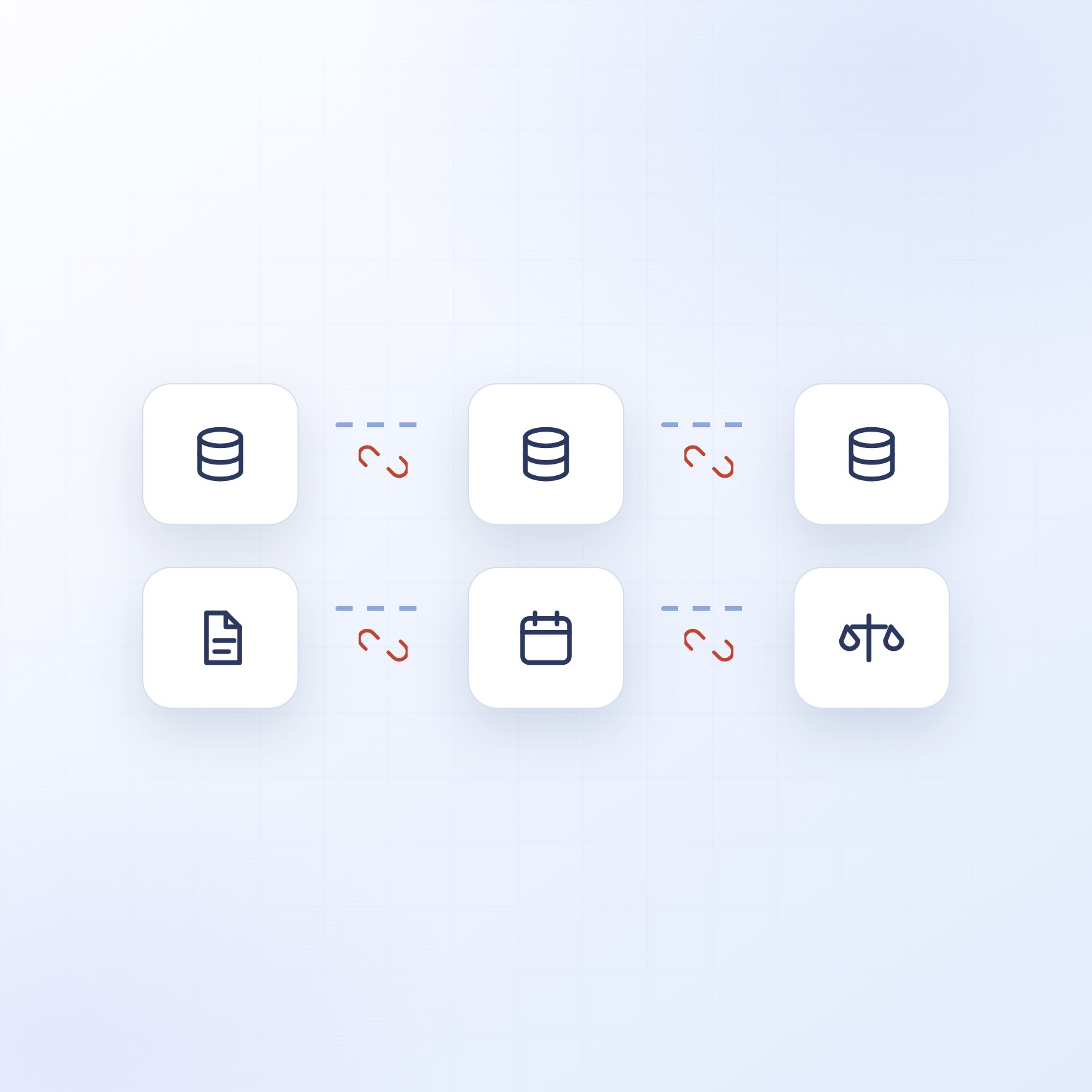
The raw information needed to evaluate a contractor already exists. It’s public. It’s maintained by government agencies. The problem has never been access, it’s aggregation, interpretation, and speed.
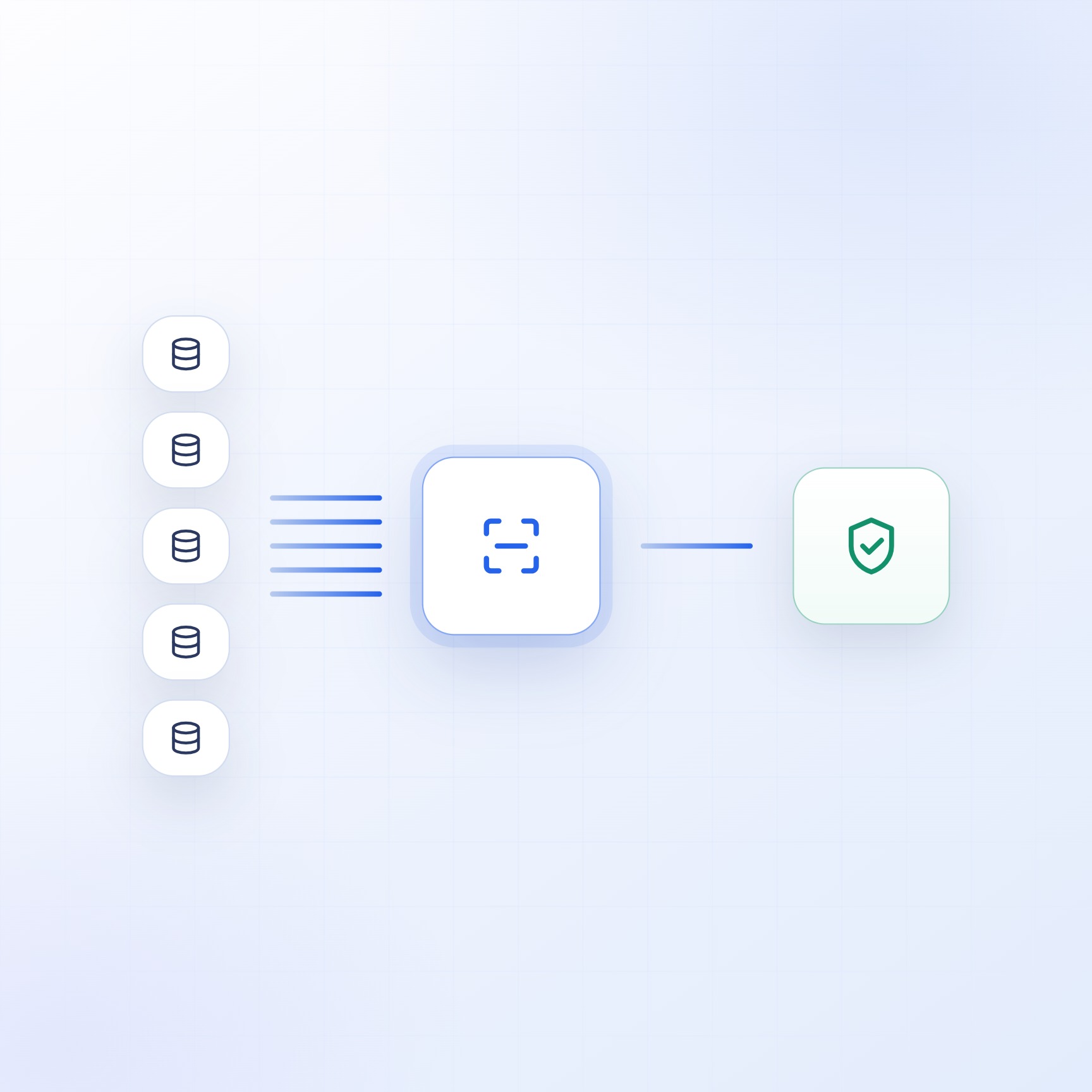
Instead of visiting five different websites and manually searching each one, an automated system queries all sources simultaneously through government database scraping and API integration, license status, corporate registration, customer sentiment, BBB rating, and insurance verification, all pulled in parallel, in seconds. The system doesn’t just find the data. It normalizes it into a consistent format so that the output is comparable across contractors.
Raw data is useful. Interpreted data is actionable. A license status of "Active" expiring in 45 days with two unresolved complaints and no BBB accreditation means something very different from a clean active license, and an automated risk scoring system weighs all of those factors to produce a single assessment that tells you what you actually need to know.
Construction law varies by state, county, and project type, and whether a Notice of Commencement or permit is required depends on work category, contract amount, and scope. An intelligent system doesn't just pull data, it applies the relevant legal framework to the specific project details and tells you what's required before work begins.
Databases in 30 SecondsProperty owners in Florida, homeowners, property managers, HOAs, and real estate investors, had no practical way to verify contractor license status online before signing contracts. The data existed across the Florida DBPR, SunBiz, Google, BBB, and workers’ compensation databases, but pulling it together manually took hours per contractor. Most people either skipped the check entirely or paid $500+ for a professional due diligence service.
The client needed a platform that could automate the entire verification process, deliver professional-grade reports, and make it affordable enough that checking a contractor was an obvious decision rather than an expensive one.
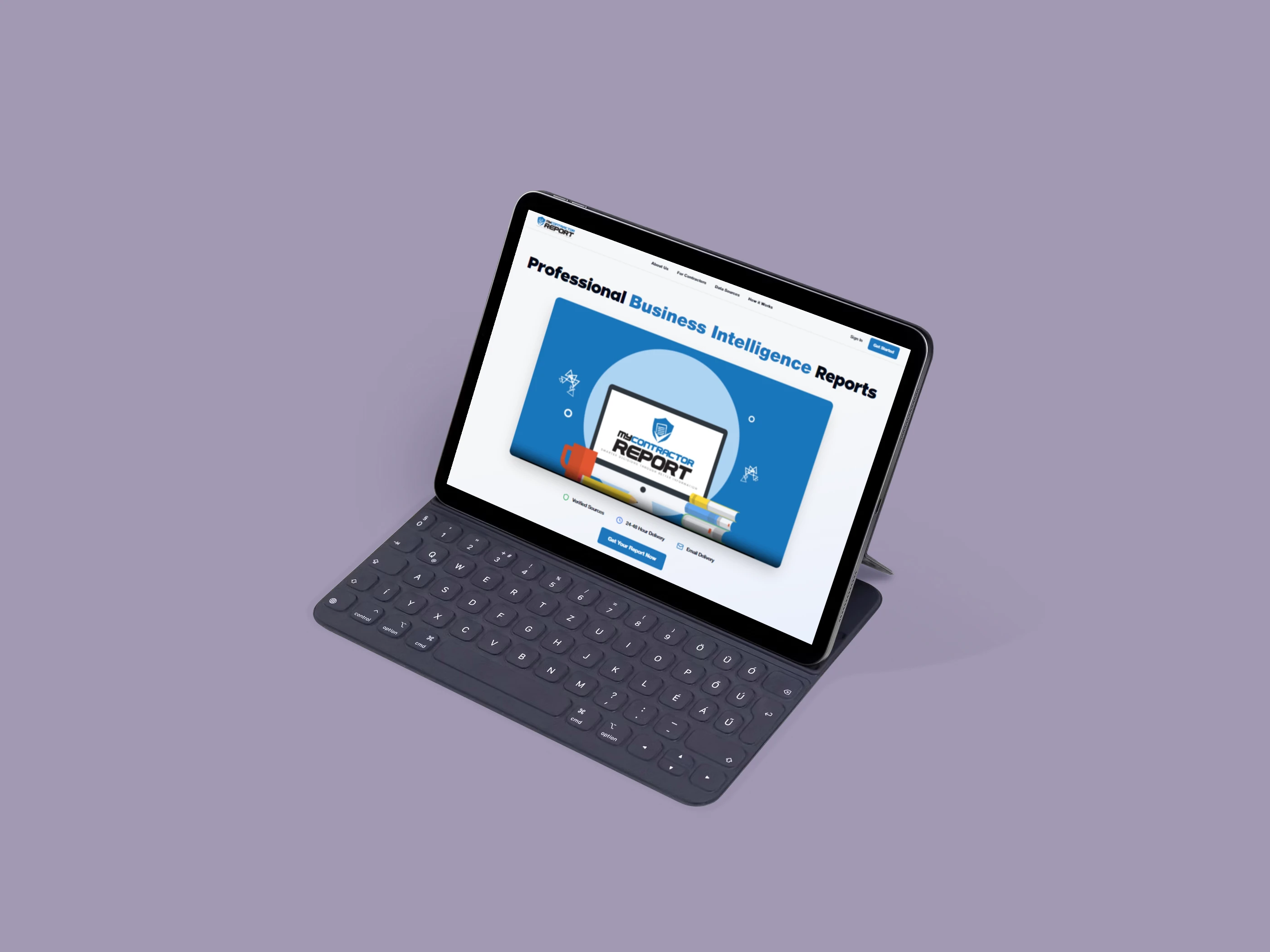
We built My Contractor Report, a full-stack web application that generates comprehensive contractor verification reports by automatically collecting, analyzing, and scoring data from five authoritative sources.
A user enters the contractor’s business name, selects the type of work being performed, provides the county and contract amount, and receives a professional PDF report delivered to their email, typically within 30 seconds of submitting payment.
The platform’s core is a parallel data enrichment engine built as a Supabase Edge Function. When an order is placed, the system executes five data collection operations simultaneously:
DBPR License Verification: Queries the Florida Department of Business and Professional Regulation across five licensed contractor categories (construction, electrical, home inspectors, architecture, mold) plus the unlicensed activity and complaint database. Returns license type, status, expiration date, and disciplinary history.
SunBiz Corporate Registration: Scrapes the Florida Division of Corporations to verify business registration status, filing dates, principal agent information, and entity type. A Google Gemini layer takes the raw scraping results and turns them into clean, structured data, including a years-in-business calculation.
Google Reviews Analysis
The business's Google rating, review volume, and a selection of customer testimonials get pulled in. Sentiment analysis sorts reviews into positive, negative, or neutral.
Better Business Bureau Assessment: BBB accreditation status and rating get checked using a three-tier address fallback system, DBPR address first, then SunBiz, then Google, to get the highest possible match accuracy.
Workers' Compensation Verification
Insurance status gets confirmed through a headless browser scraping endpoint to check whether the contractor carries active workers' comp coverage.
All five sources feed into an AI risk scoring algorithm that produces a score from 0 to 15 across four dimensions:
DBPR License (0-5 pts): Active license status, expiration date, disciplinary history
SunBiz Registration (0-3 pts): Business standing, years registered
Google Reviews (0-4 pts): Rating, volume, sentiment breakdown
BBB Rating (0-3 pts): Accreditation status, rating grade
That score maps to five risk categories, Very Low, Low, Moderate, High, and Very High, each with specific guidance on what the property owner should do next.
The system also handles Notice of Commencement analysis under Florida Statute Chapter 713. Based on the work type and contract amount, it determines whether an NOC filing is required and lays out what that means for the property owner. For HVAC work, the threshold is $15,000. For general construction, it’s $2,500.
The final report is generated as a professional PDF, color-coded risk indicators, formatted sections for each data source, legal analysis, and actionable conclusions. An AI-powered HTML template generator produces the report layout in under 100 milliseconds, with a Gemini fallback for edge cases.
Tech stack: React 18 + TypeScript, Vite, Supabase (PostgreSQL, Edge Functions, Auth, Storage), Stripe, Google Gemini 2.5 Flash, Vercel Puppeteer, Brevo (email delivery).
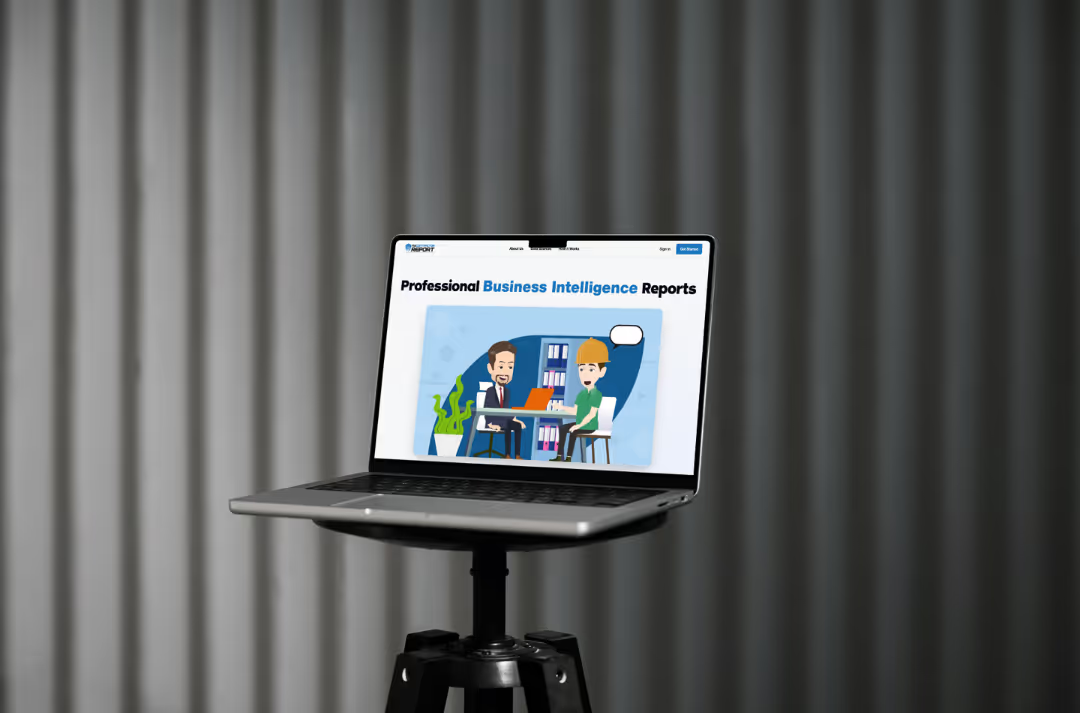
The platform has generated over 1,200 contractor verification reports since launch.
The platform includes a full customer dashboard for order management and report history, an admin dashboard for monitoring and dispute resolution, and Stripe-powered subscription management with automated credit handling.
Property managers running the Enterprise plan use it to verify every subcontractor before they step onto a job site. Individual homeowners use it to check the three bids they received for a roof replacement. The common factor: they know exactly who they’re hiring before they sign anything.
Construction runs on coordination, compliance, and trust. Here’s where AI automation delivers real value, based on what we’ve built, not what sounds impressive in a pitch.
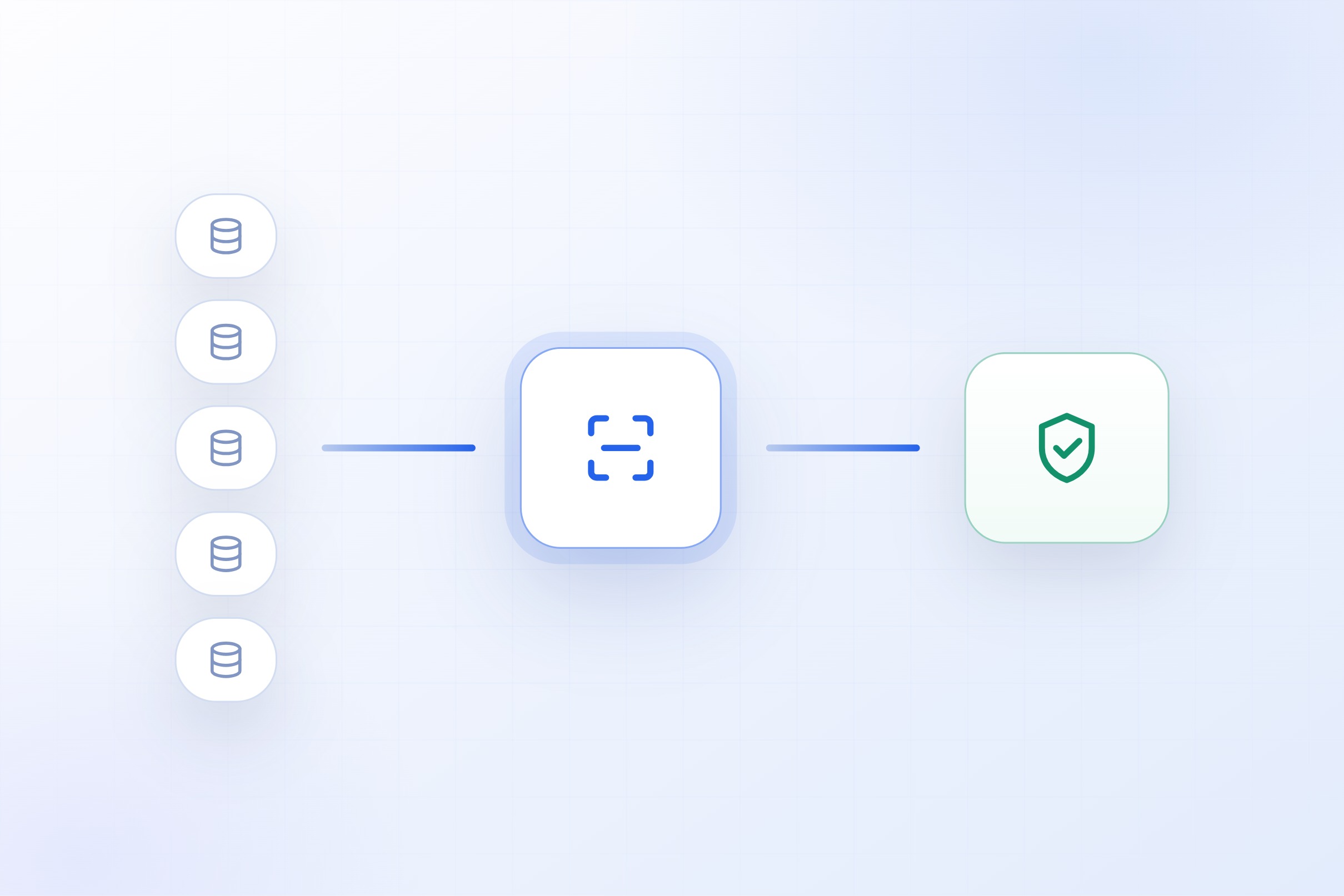
Automated credential checking across licensing databases, corporate registries, insurance systems, and review platforms. Risk scoring and professional reporting for every contractor or subcontractor on your roster.
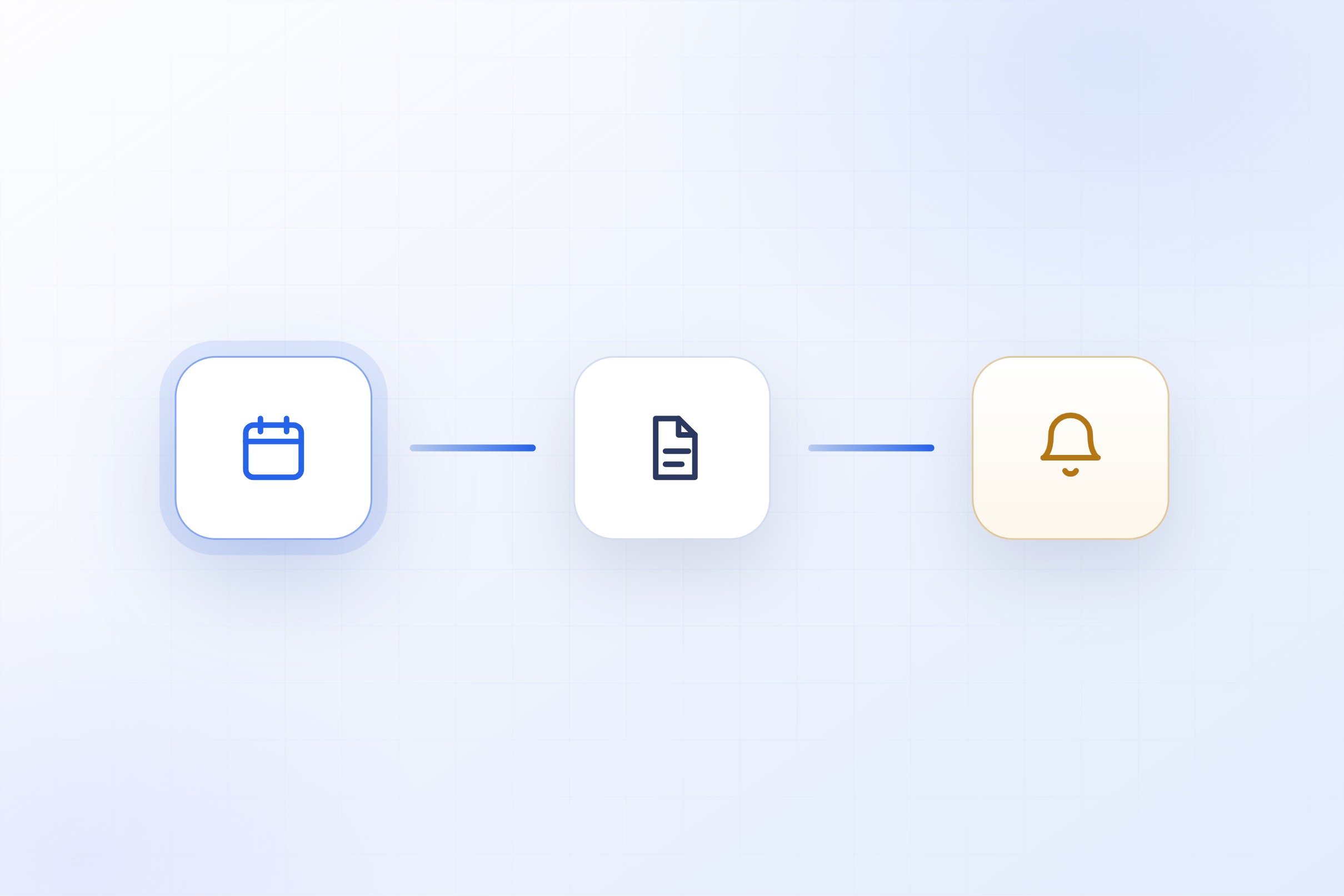
Track permit requirements by project type, jurisdiction, and scope. Automated filing reminders, expiration alerts, and compliance documentation so nothing slips through. Reduce the risk of work proceeding without proper authorization.
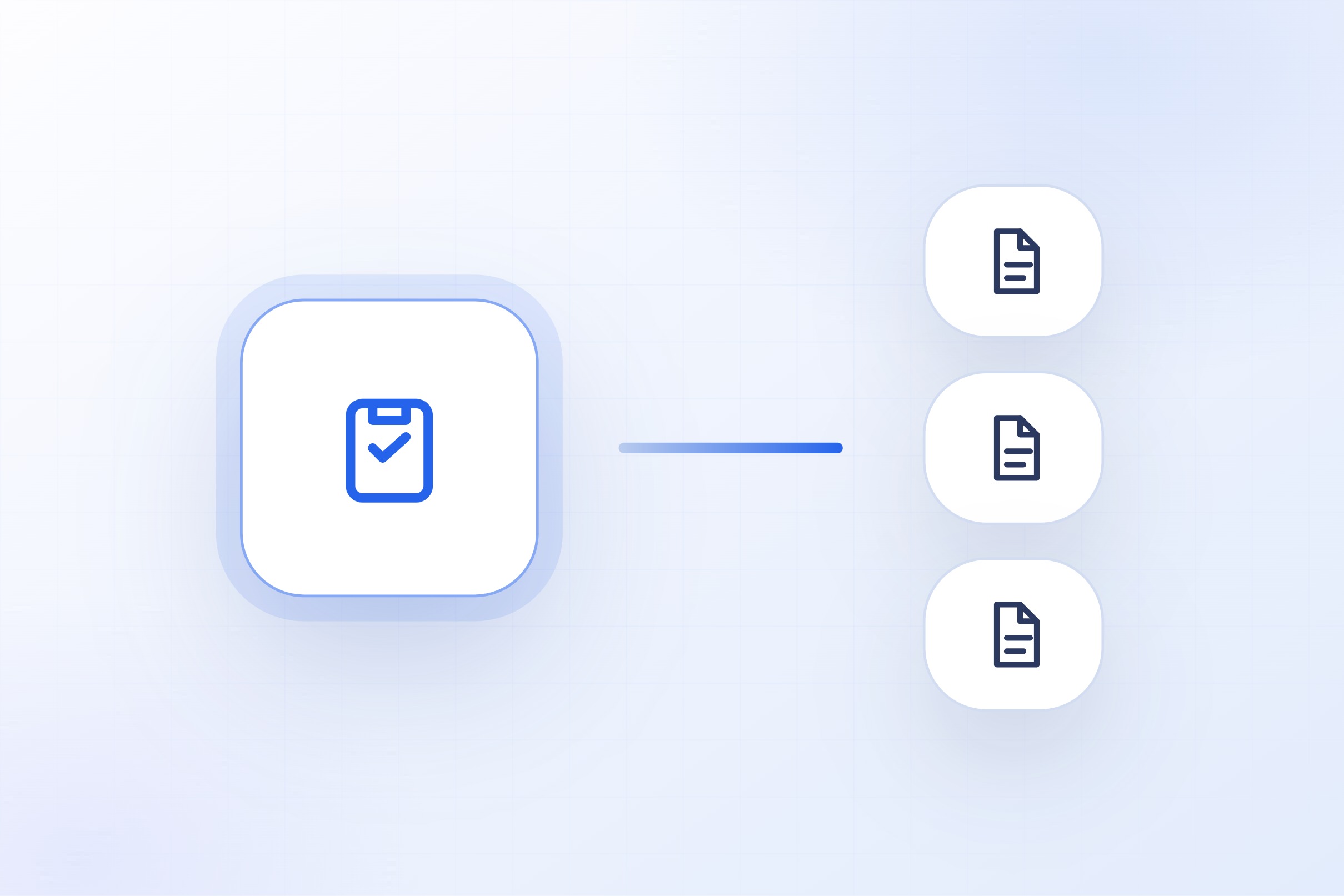
Generate, organize, and distribute project documents, RFIs, submittals, change orders, punch lists, using templates that pull live project data. Reduce the manual assembly work that slows down every phase.
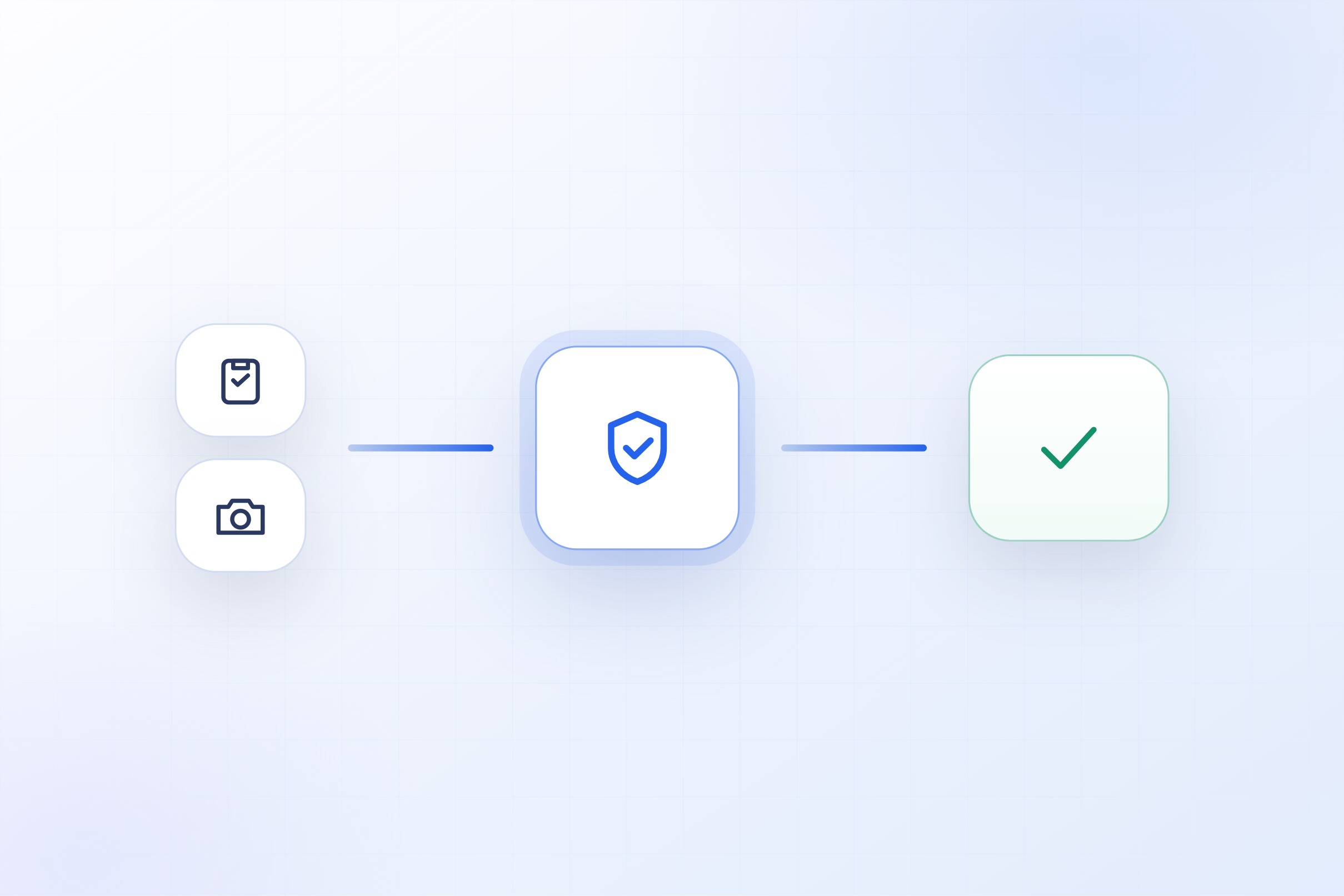
Automate inspection scheduling, checklist distribution, photo documentation, and corrective action tracking. Generate compliance-ready safety reports without anyone having to enter data by hand.
Incoming bids get structured into a standard format for side-by-side comparison. Missing items, outlier pricing, and scope gaps get flagged so project owners can make faster, better-informed decisions.
Scheduling confirmations, document requests, payment status updates, and project milestone notifications go out automatically across your subcontractor network. Fewer phone calls, fewer email chains, more time for project managers to actually manage.
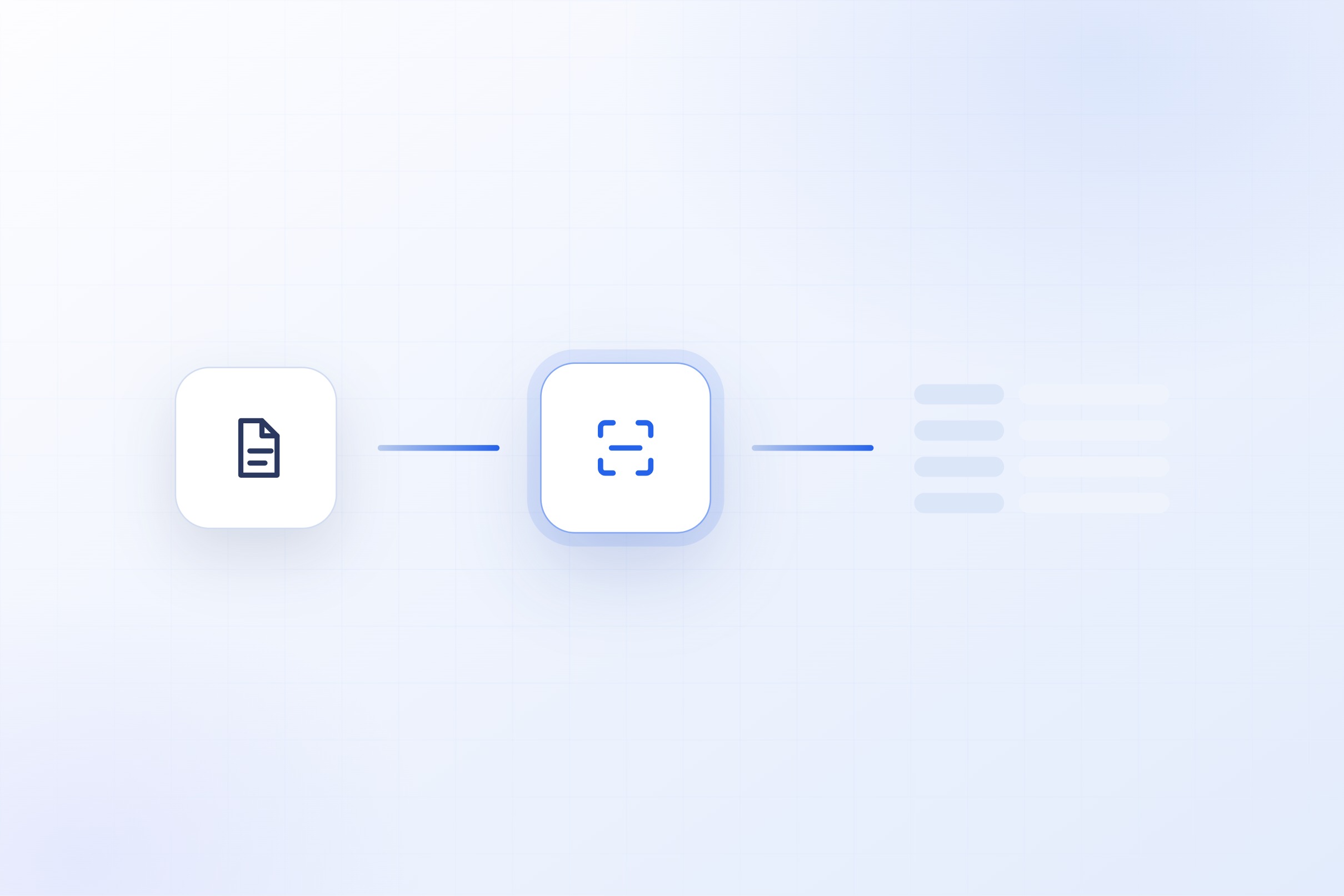
Systems that read incoming permits, contracts, change orders, inspection reports, and submittals, pull out the key data points, flag discrepancies, and route documents to the right person. Works with scanned PDFs, handwritten notes, and inconsistent formats using OCR and AI classification.
Custom dashboards that pull together data from your project management tools, accounting systems, and field reports into one view. Automated weekly or monthly reports covering budget status, schedule variance, compliance gaps, and subcontractor performance, without anyone having to compile it manually.

Government databases don't have clean APIs, they have search forms, CAPTCHAs, inconsistent formats, and unpredictable downtime. We've already built production systems that reliably extract data from these sources at scale, from DBPR license verification to Notice of Commencement analysis under Florida Statute Chapter 713. My Contractor Report runs against five separate government and public databases every day with 1,200+ reports generated, it's not a prototype.

Aggregating data from multiple sources is only half the problem. Our systems use AI to interpret the data, weighing license status against complaint history, business age against review sentiment, coverage gaps against project scope. You get a clear risk assessment on a 0-15 scale, not a data dump.

Construction data is inconsistent by nature. Contractor names appear differently across databases. License numbers follow different formats by state. Business entities change names, merge, or dissolve. We build with these edge cases in mind, using fuzzy matching, validation layers, and three-tier address fallback logic that handles the messiness gracefully.

Amplence has delivered over 500 projects across industries, with more than six years of building software that runs in production. From scoping through deployment, one team handles your entire build. No handoffs between strategists and developers, no vendor coordination on your end.

20 minutes. You describe the problem. We ask questions.

We define what version one looks like with scope, cost, and timeline.

We design the system before building it. You review and approve.

Weekly check-ins. Working progress, not status reports.

Deployed to production. You own the code. Your team runs it.
AI AutomationAn AI automation agency builds custom systems that automate repetitive business processes using artificial intelligence. This includes workflow automation, AI-powered web applications, document generation, data enrichment pipelines, and intelligent customer service systems. Unlike generic software agencies, we specialize in embedding AI models, like GPT-4o and Gemini, directly into the workflows where they create the most value.
Regular automation follows fixed rules: if X happens, do Y. AI automation adds intelligence to those decision points, it can classify emails by intent, generate documents from context, score risk across multiple data sources, and handle scenarios that don’t fit neatly into if then logic. The result is automation that handles the ambiguous middle ground your team currently manages manually.
Our deepest experience is in legal services, construction, and e-commerce, three industries where we’ve shipped production platforms with published case studies and real metrics. That said, the underlying skills (workflow automation, AI integration, full-stack development) apply across industries. If your business has repeatable processes involving data, documents, or communication, we can likely help.
It depends on the scope. A focused workflow automation connecting a few tools is a different investment than a full-stack AI web application with user management, payments, and admin panels. We scope every project in detail before quoting, you’ll know the exact cost, timeline, and deliverables before any work begins. No vague estimates.
Most projects ship in 2 to 8 weeks depending on complexity. A workflow automation connecting existing tools might take 2-3 weeks. A custom AI web application with RAG pipelines, user authentication, and payment infrastructure typically takes 4-8 weeks. We scope tightly and build in phases so you see working progress throughout.
No. Most of our clients come to us with a business problem, not a technical spec. You describe the process that’s eating your team’s time, we handle the technical translation, architecture decisions, and implementation. Our discovery call is designed to bridge that gap in 20 minutes.
We build with a modern, proven stack: React, Next.js, and TypeScript for frontends; Supabase, PostgreSQL, and AWS for backends; OpenAI GPT-4o and Google Gemini for AI; n8n and Make.com for workflow orchestration; and Stripe for payments. We choose tools based on what the project needs, not what’s trending.
Yes. Every project includes full source code ownership, documentation, and handover. There’s no lock-in, no proprietary frameworks, and no dependency on us to keep things running. Your team, or any competent developer, can maintain and extend what we build.
We’ll tell you. We’ve turned down projects where automation would create more complexity than it solves. The discovery call is free and takes 20 minutes, even if the answer is “not yet,” you’ll walk away with a clearer picture of what’s possible and when it makes sense to revisit.
Book a free discovery call. It’s a 20-minute conversation where you walk us through the problem and we give you an honest assessment. If there’s a fit, we’ll send a scoping proposal within a few business days, scope, timeline, and cost. No obligation either way.
Construction WorkflowsWhether it’s contractor verification, permit tracking, or project documentation, if there’s a process your team repeats manually across every project, there’s probably a better way. Let’s find out.
Practical systems that reduce manual work, lower costs, and help teams scale.


.webp)