
We connect QuickBooks Online to your CRM, store, payment and billing tools, automate invoices and bills with checks a person can trust, and end the copy and paste between systems.
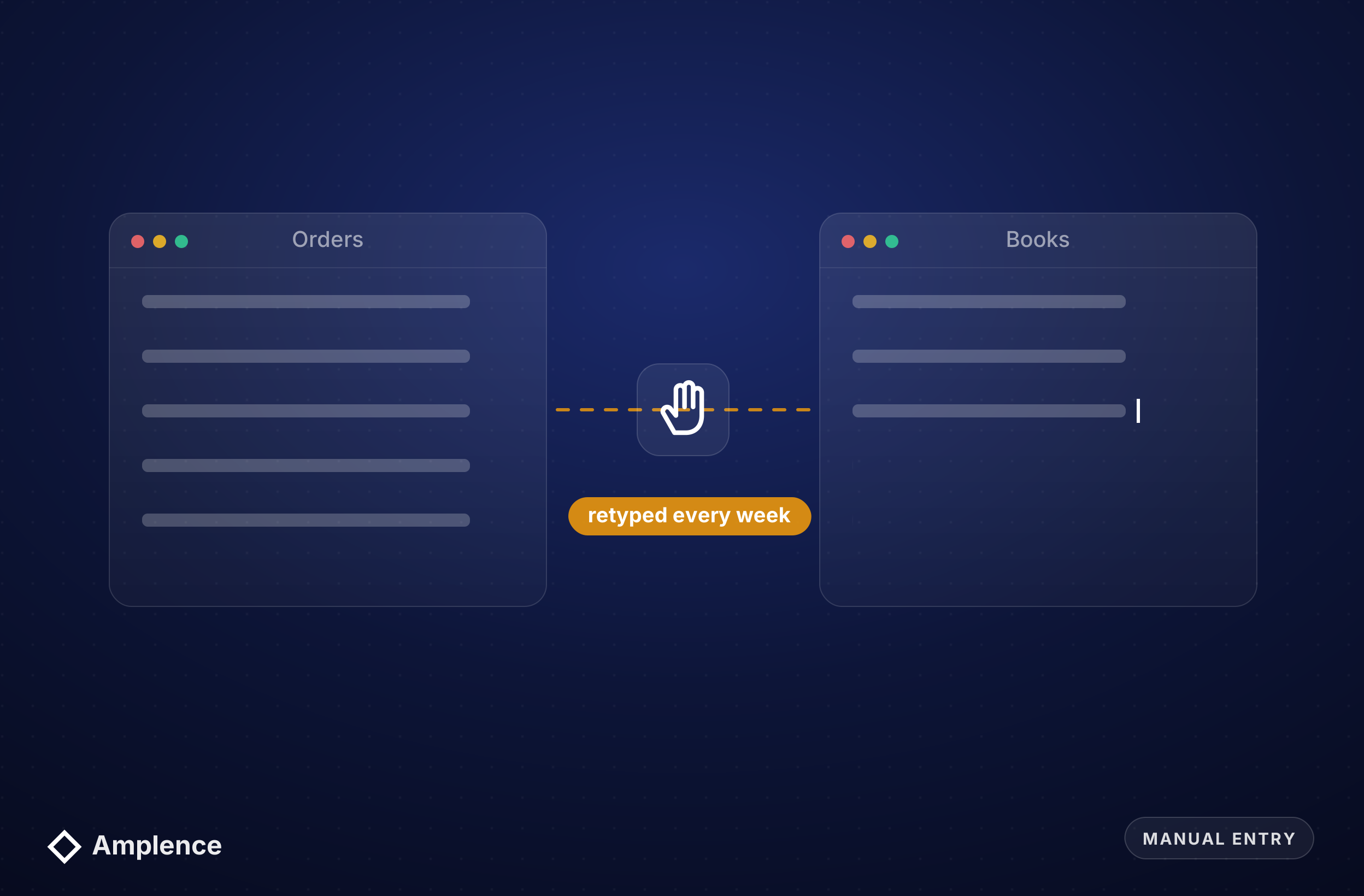
Most finance teams we talk to aren't short of software. They're short of the connection between it. Orders, invoices and payments live in one system, the books live in QuickBooks, and someone retypes the difference every week.
Off-the-shelf connectors cover the common cases, then break on the details: custom fields, multiple currencies, class and location tracking, or a customer that exists twice. We build integrations around your chart of accounts and your rules, with a person approving anything that moves money. Our invoice approval workflow shows how that check works in practice.
If you want to know whether a process is worth automating before you pay anyone, our ROI calculator gives you a rough answer in about a minute.

Copying orders, invoices or expenses into QuickBooks by hand is slow and creates small errors that only show up at month-end. We sync records automatically, map them to the right accounts, classes and customers, and log every record the integration creates.
Connectors that match on names create duplicates. We match on IDs and invoice numbers, check for an existing record before creating a new one, and send anything ambiguous for review instead of guessing.
Automation should prepare bills, not pay them blindly. We hold invoices when bank details change or amounts don't match the purchase order, and route them to a named approver before any payment run.
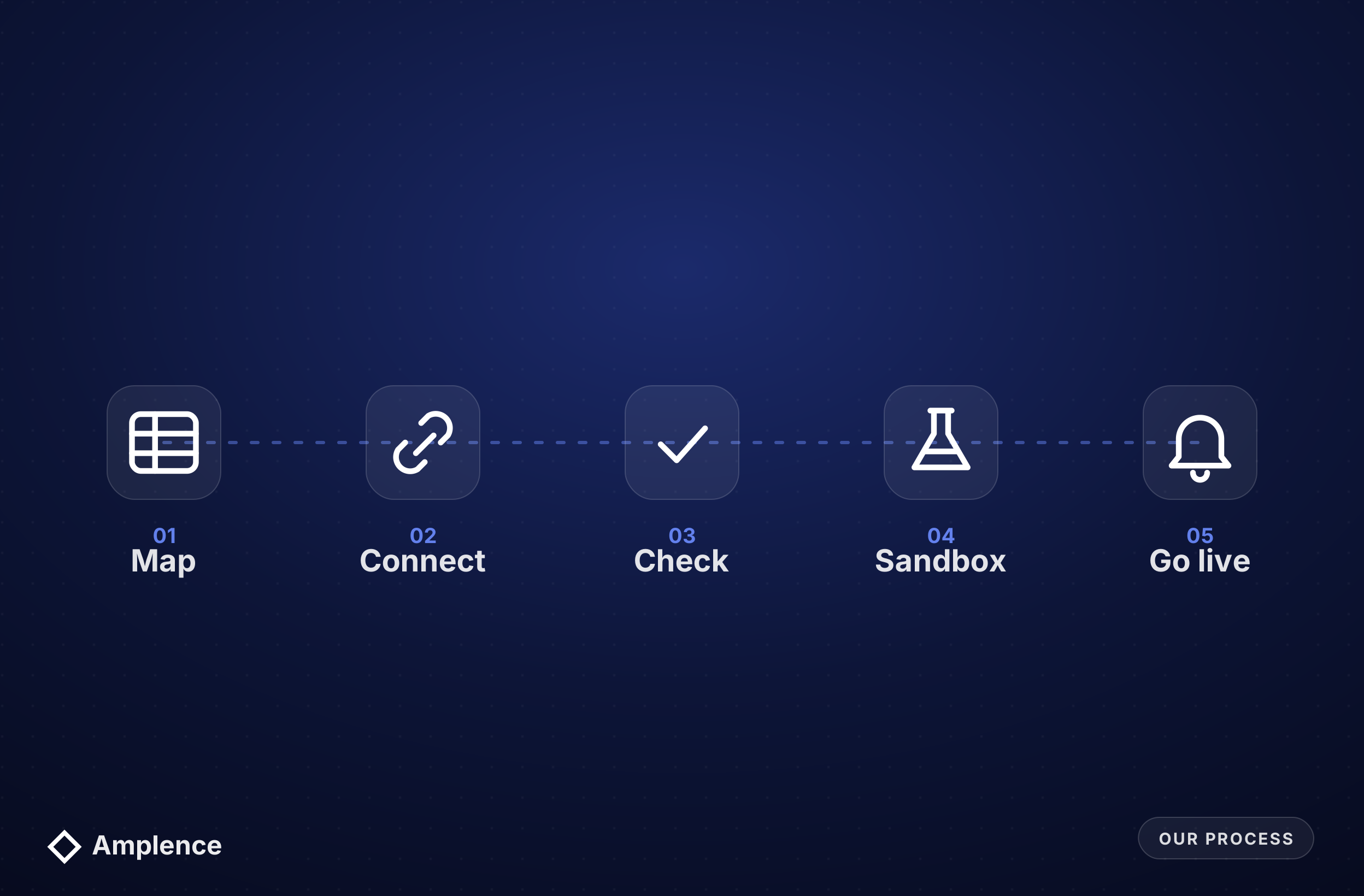
We start with your books, not the connector. Your chart of accounts, classes, locations and tax settings decide how every record should land in QuickBooks.
Which tools hold orders, invoices, payments and expenses, which records need to reach QuickBooks, and which fields map to which accounts. You get a written map before anything is built.
The QuickBooks Online API directly when the logic is custom or the volume is high, or n8n, Make or Zapier when a no-code flow is enough. We show you the running cost of each option.
Records matched by ID before anything is created, totals and tax checked, and anything that pays, deletes or changes a posted transaction held for a person to approve.
Every integration runs against a QuickBooks sandbox company with real sample data before it touches your live books, including the failure cases.
Failed syncs reported to a named person, a regular summary of what was created or changed, and a short guide so your team knows what each flow does.
We work in four ways:
We build in n8n, Make, Zapier and custom code, so we pick the connection that suits your volume and budget rather than the one we resell. We quote after a short scoping call, and app subscriptions are paid directly to the providers.
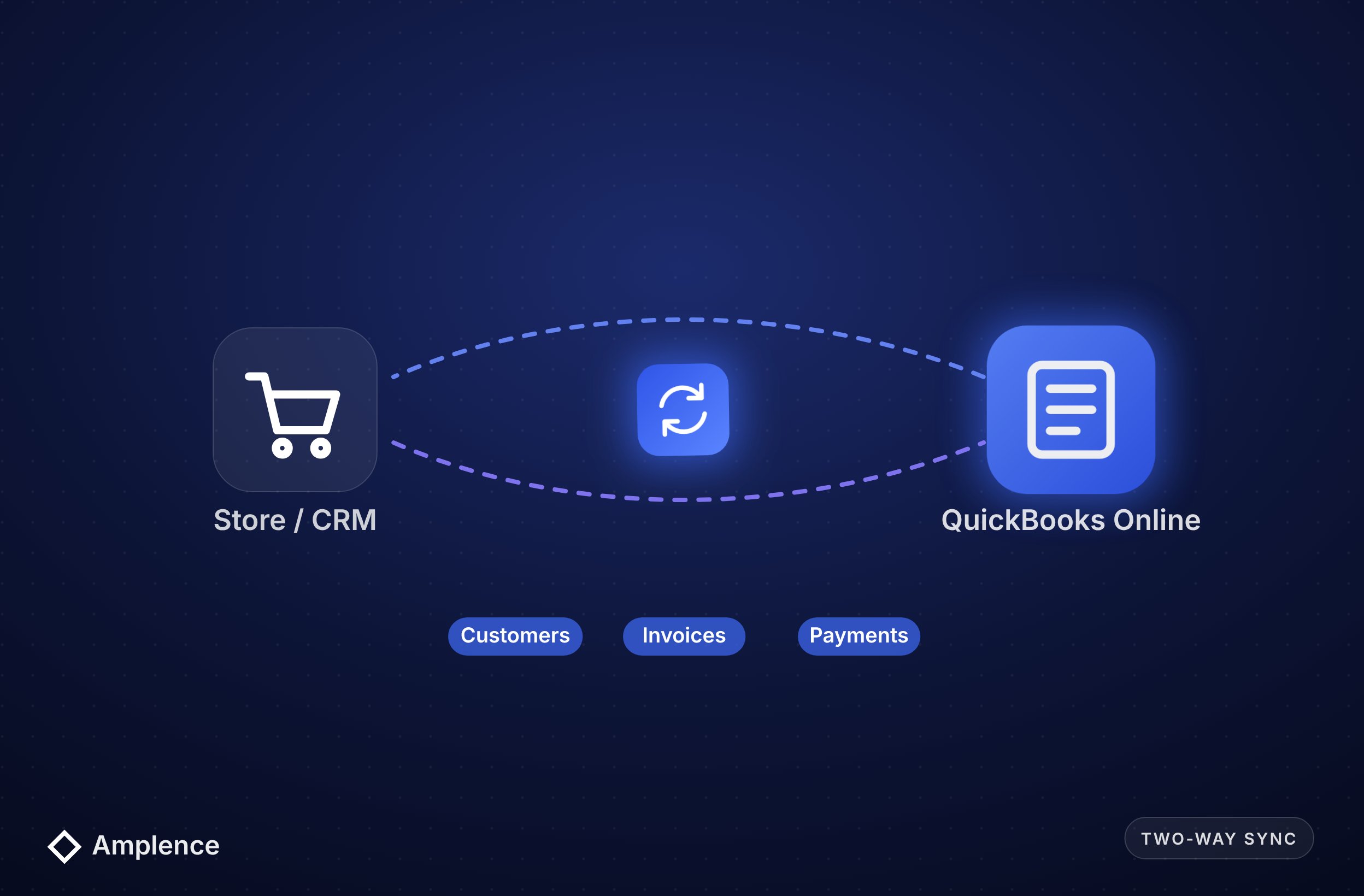
Customers, invoices, payments and products kept in sync between QuickBooks Online and your CRM, store or billing tool, with every change logged.
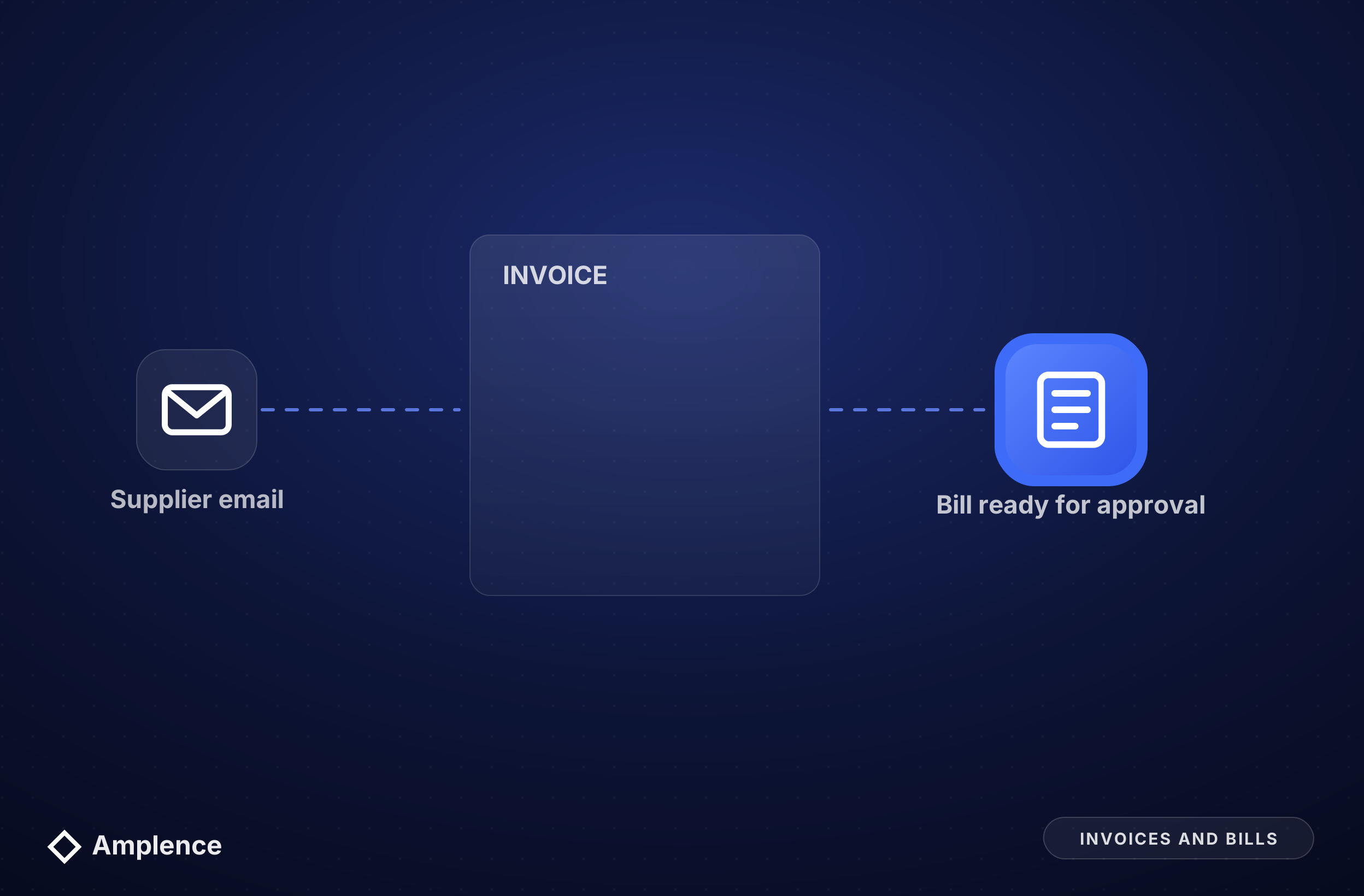
Invoices created from orders or projects, and supplier bills read from email, matched to purchase orders and prepared for approval.
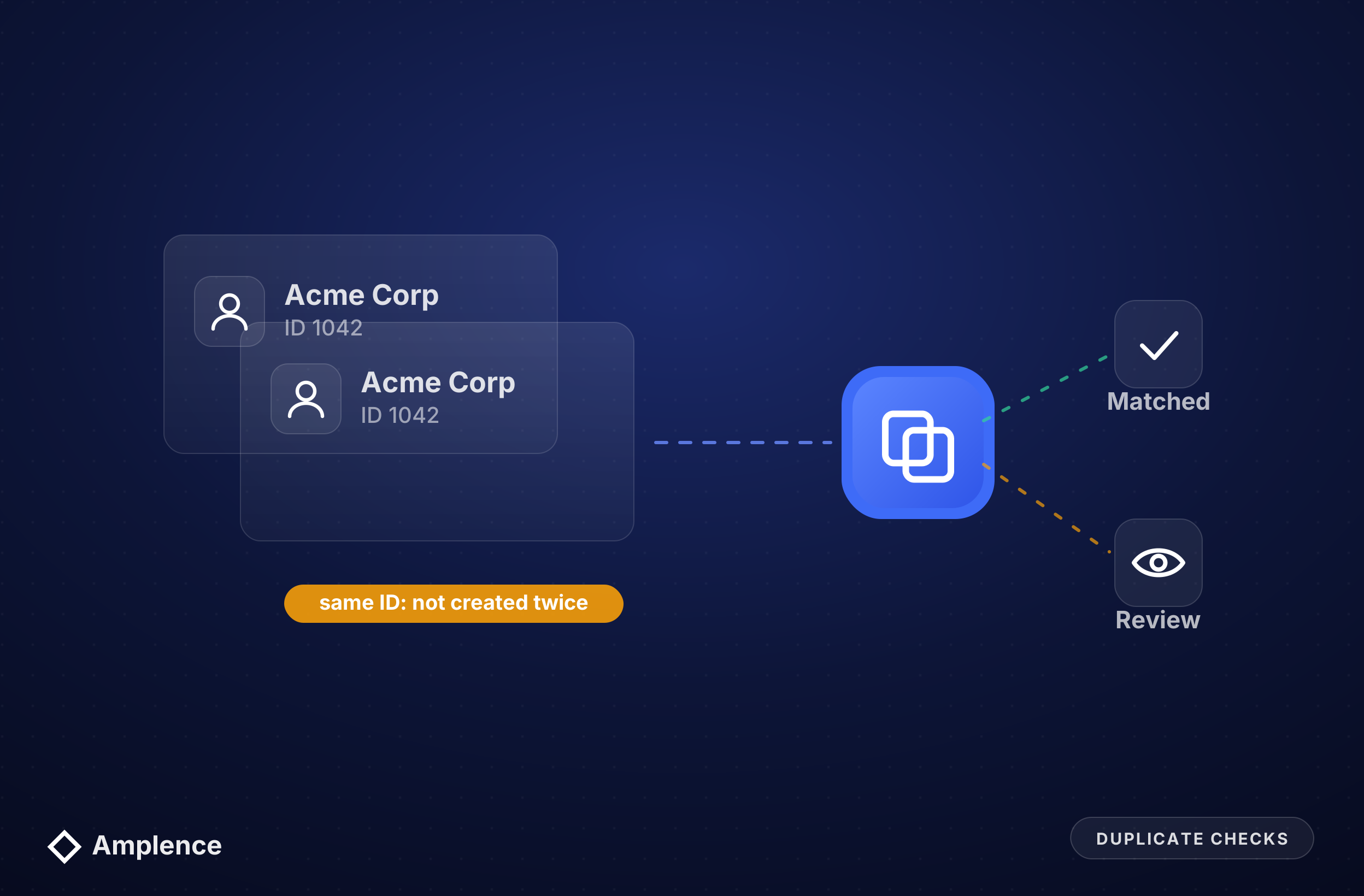
Records matched by ID and number before anything is created, with ambiguous matches sent for review instead of guessed.
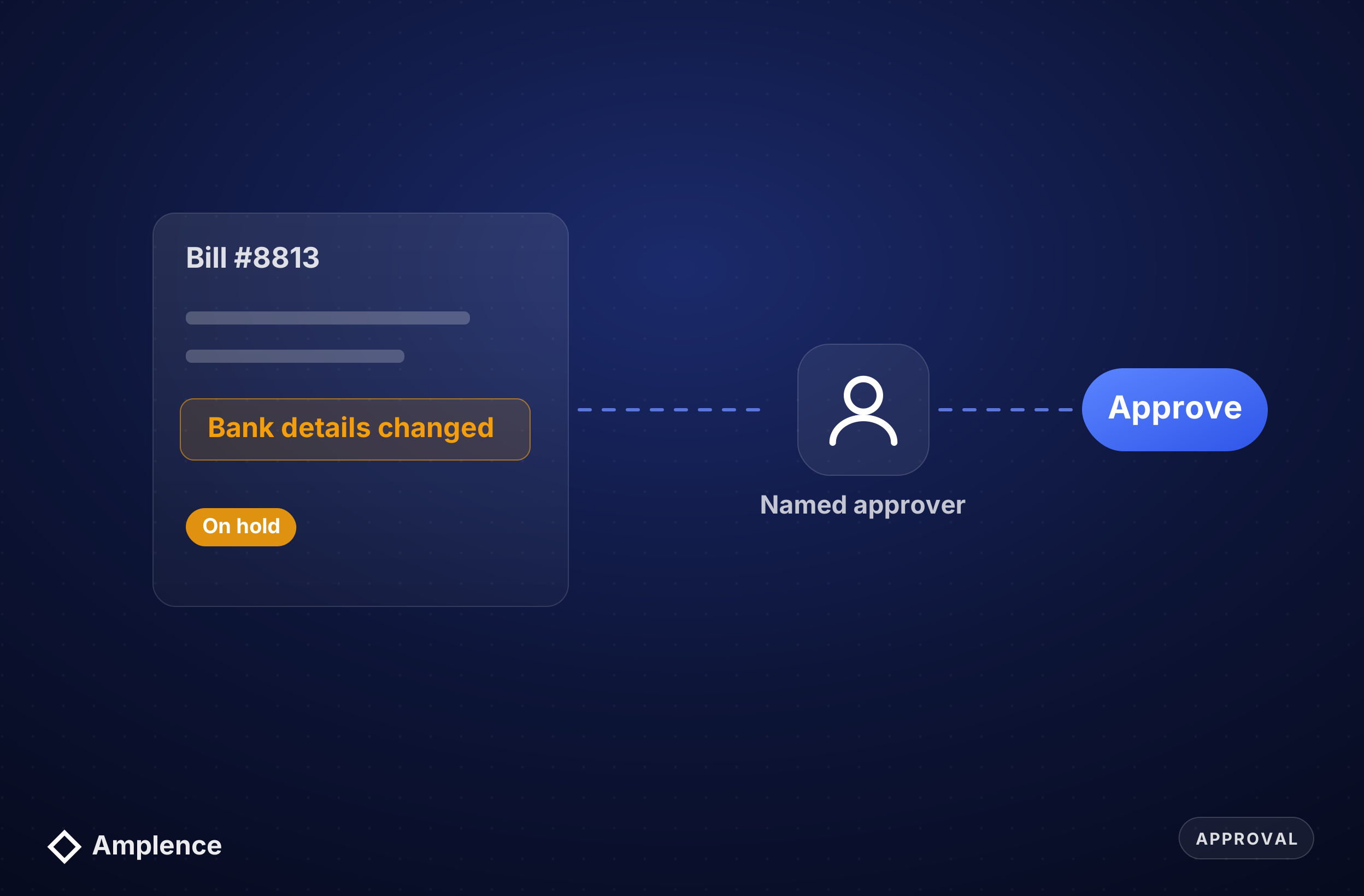
Bills held when amounts or bank details don't match, and routed to a named approver before any payment run.
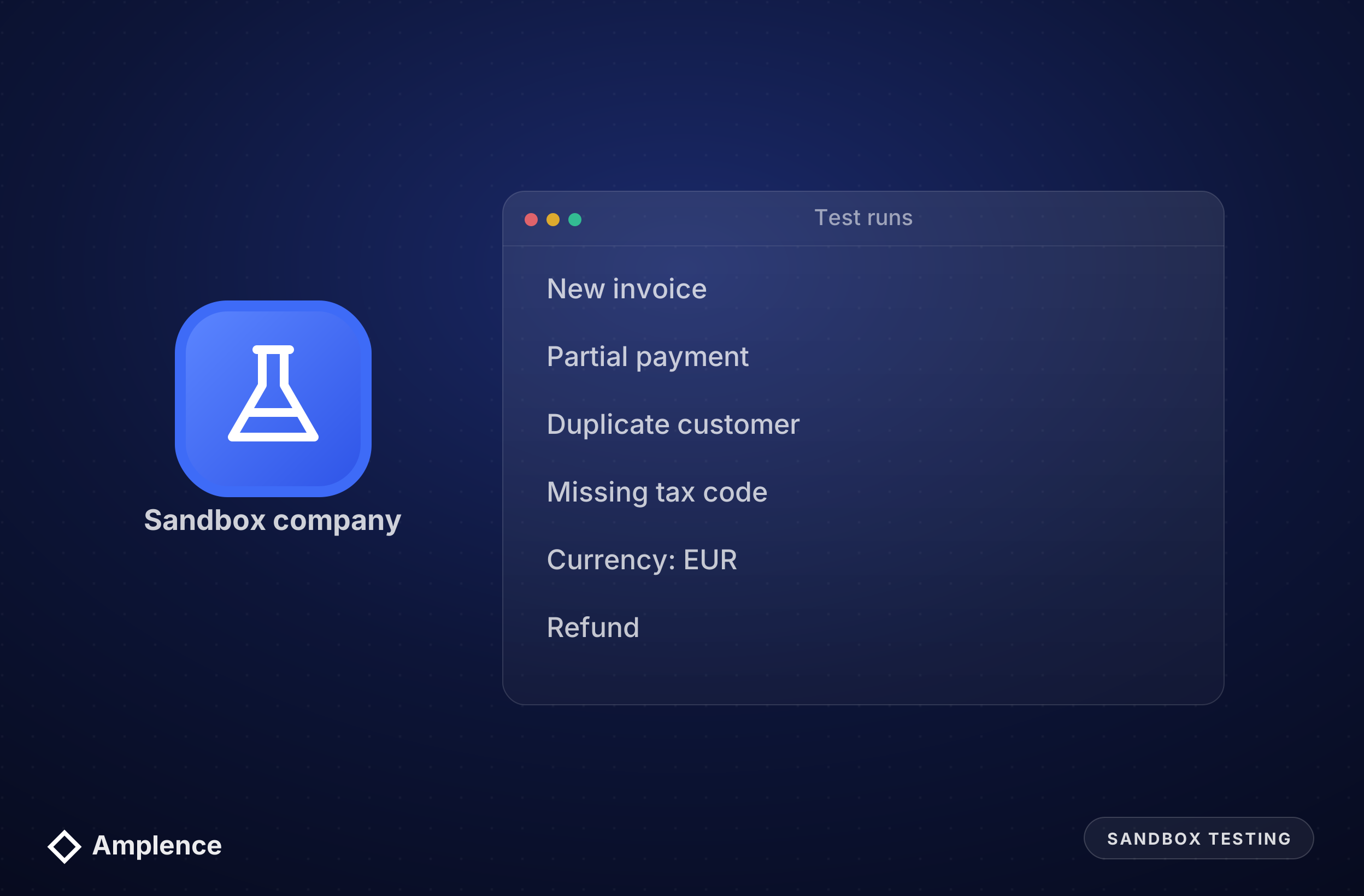
Every integration tested against a QuickBooks sandbox company with real sample data before it touches your live books.
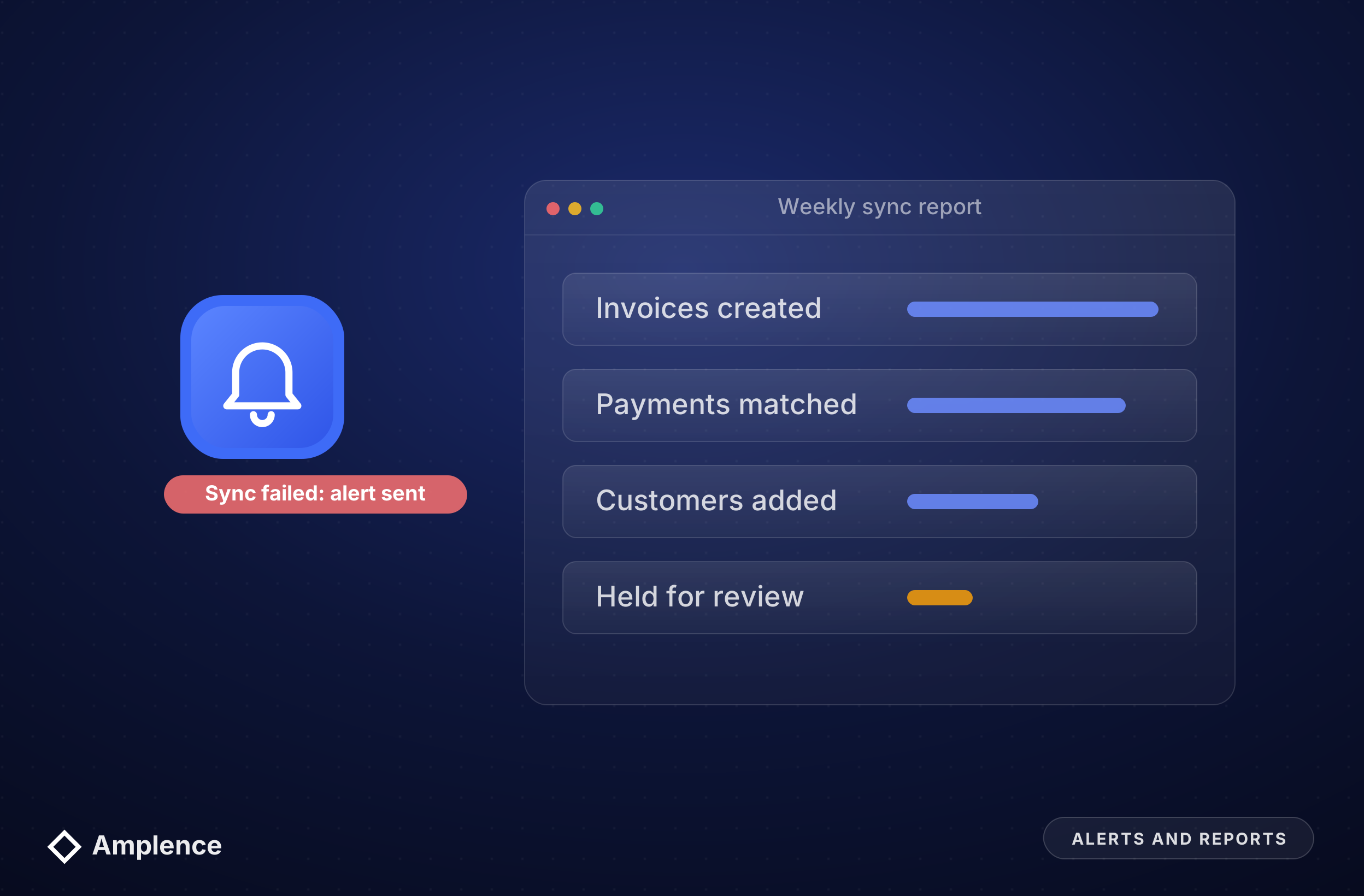
Failed syncs reported to a named person, plus a regular summary of what was created or changed, so month-end has no surprises.
Most tools with an API: CRMs such as HubSpot, stores such as Shopify, payment tools such as Stripe, project and time tracking apps, forms, Airtable and Google Sheets. We use the QuickBooks Online API directly or through n8n, Make or Zapier, depending on volume and how custom the logic is.
Yes. Supplier invoices can be read from email, checked against purchase orders and vendor records, and created as bills in QuickBooks for approval. Anything with changed bank details, a mismatched amount or a possible duplicate is held for a person to review before payment.
Integrations connect through Intuit's own sign-in and authorization, so nobody shares your QuickBooks password, and access can be revoked from QuickBooks at any time. We test every integration on a sandbox company before connecting it to your live books.
Our work is mainly with QuickBooks Online, which has a modern cloud API. Desktop integrations are possible in some cases but are more limited, so we confirm what's feasible during scoping before you commit to anything.
No. Integrations remove the retyping and catch errors earlier, so your bookkeeper spends time reviewing instead of entering data. Decisions about categories, tax and approvals stay with your finance team.
Book a 20-minute call with our CEO Muneeb. Bring the tools you use and the records you copy by hand, and we will tell you what an integration costs to build and run.
Practical systems that reduce manual work, lower costs, and help teams scale.


