.svg)
Workflow automation connects your tools. Business process automation rethinks the operation. We build systems where AI handles the decisions, the data transformation, and the multi-step logic that used to require a team.
Most businesses start their automation journey by connecting two tools. That's useful. But it doesn't change the underlying process. The real cost isn't in the individual steps — it's in the chain of decisions, handoffs, data lookups, and human approvals that make up a complete business operation.

Task automation removes a step. Process automation removes the need for a person to be involved at all, except where their judgment genuinely matters. Automating the copy-paste between step 3 and step 4 saves minutes. Rebuilding the entire sequence so that steps 3 through 7 happen without human involvement saves headcount.
Consider a typical operations process: a customer places an order. Someone checks inventory. Someone verifies the shipping address. Someone calculates the delivery estimate. Someone generates a confirmation email. Someone logs the order in the CRM. That's seven manual touches for a single order — and every one of them follows rules that a system could apply.
Most operational inefficiency isn't in a single step. It's in the gaps between steps, the handoffs between people, the decisions that should be automated but aren't, and the feedback loops that don't exist. Business process automation redesigns the entire process from trigger to outcome — mapping every step, decision point, exception path, and feedback loop.
.png)
This process audit starts with the full picture: every input, every decision point, every exception, and every handoff, including the workarounds and edge cases that never make it into documentation. We identify where humans add real value and where they're just acting as a bridge between systems that should talk directly. The goal is a clear map of what stays manual, what gets automated, and what gets eliminated entirely.
Not every step should be automated, some require human judgment, others are too infrequent to justify the build cost. We map each step against three criteria: volume, complexity, and impact. The highest-scoring steps get automated first.
Before you prioritize a process, run the same inputs through our workflow automation ROI calculator to compare its manual workload, realistic coverage, delivery cost, first-year ROI, and payback.
We design the end-to-end automated process before building anything, data flows, integration points, escalation logic, monitoring, and the human touchpoints that remain by design. You approve the architecture before we write a line of code.
The step change with modern BPA is AI-powered decision-making. An incoming email gets classified by intent, language, urgency, and sentiment. A contractor's credentials get scored across five sources with weighted risk factors. An appeal document gets generated from a library of successful precedents, not filled from a static template.
We embed AI models, GPT-4o, Gemini, or purpose-built classifiers, directly into the decision points of your process, so the automation handles scenarios that used to require a trained employee to evaluate.
We don’t try to automate everything at once. We work in phases, starting with whatever delivers the most value with the least risk. Each phase gets deployed, tested, and confirmed before the next one starts. This reduces risk and lets you see measurable results early.
A process automation that requires manual setup or manual follow-up isn’t really automated. We build end-to-end: from the trigger (an incoming email, a form submission, a webhook, a scheduled event) through every processing step (data collection, enrichment, AI analysis, transformation) to the final output (a generated document, a sent email, a database record, a notification).
Every automated process includes logging, alerting, and audit trails from day one. You can see what the system did, why it made each decision, and where it flagged uncertainty. We track throughput, error rates, escalation frequency, and time savings so you can see exactly what the automation is delivering, and where it can be improved.
We confirm the exact quote after a short scoping call. Typical starting points:
Software subscriptions, hosting and AI model usage are paid directly to the providers.
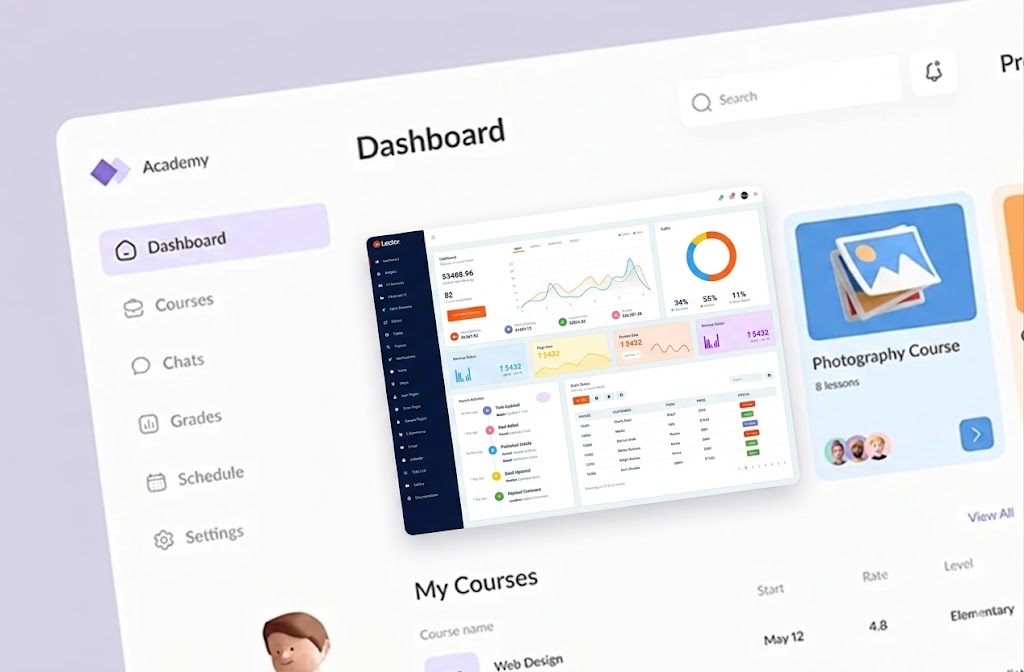
The output is a system that handles an entire business operation from trigger to completion, not a set of disconnected automations you need to stitch together yourself.

Where your process requires evaluation, classification, or judgment that goes beyond simple rules, we embed AI models directly into the pipeline. The system makes informed decisions at speed, and escalates when confidence is low.
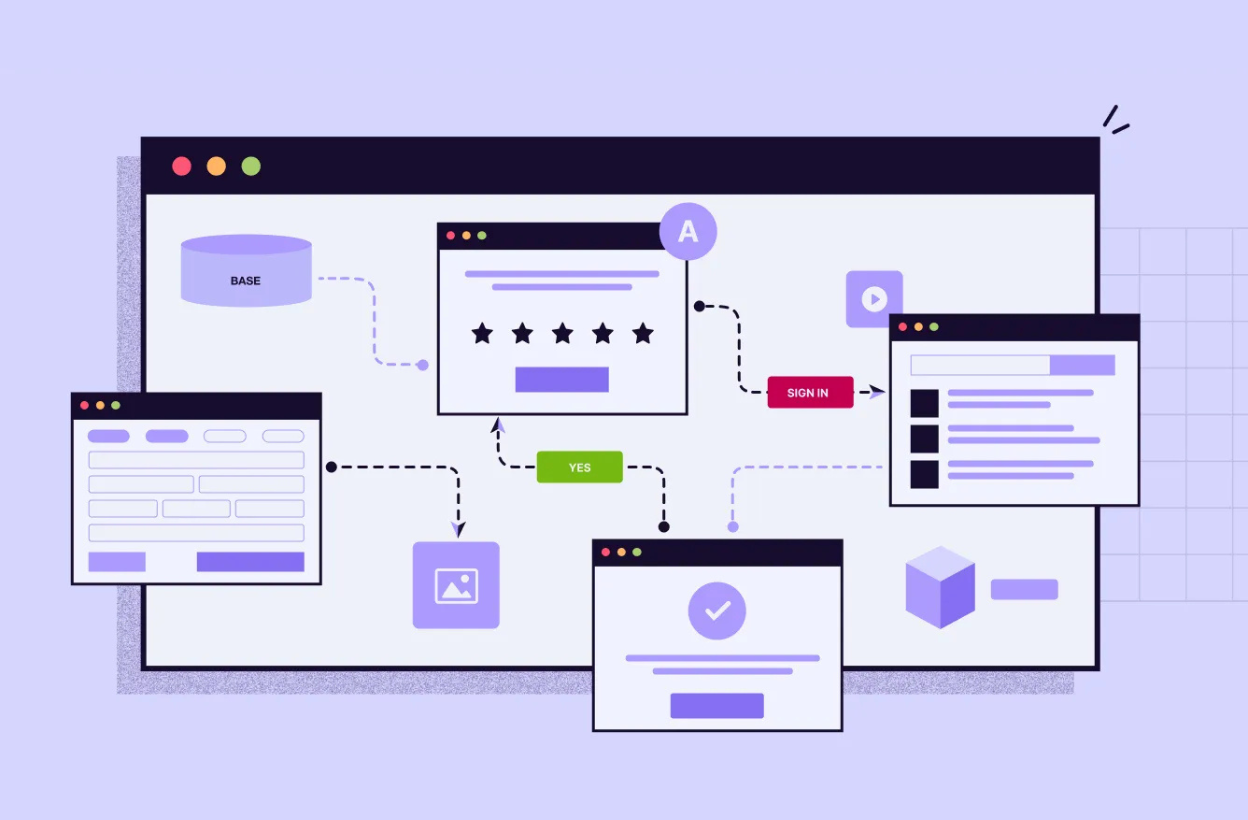
We connect to your current tools, CRMs, e-commerce platforms, databases, email systems, payment processors, document storage. The automation works within your existing infrastructure.
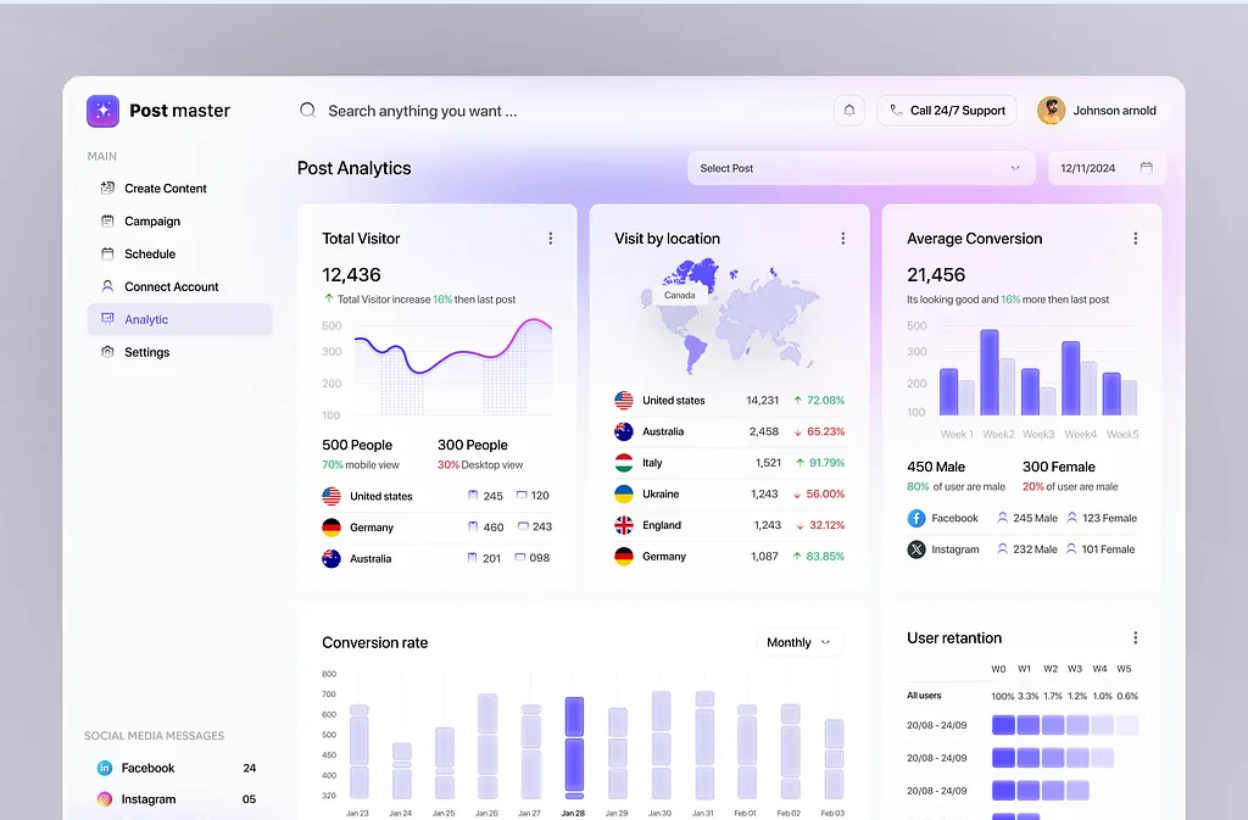
Every decision the system makes is logged with the reasoning behind it. Dashboards, alerts, and exportable logs so you maintain full visibility into automated operations.
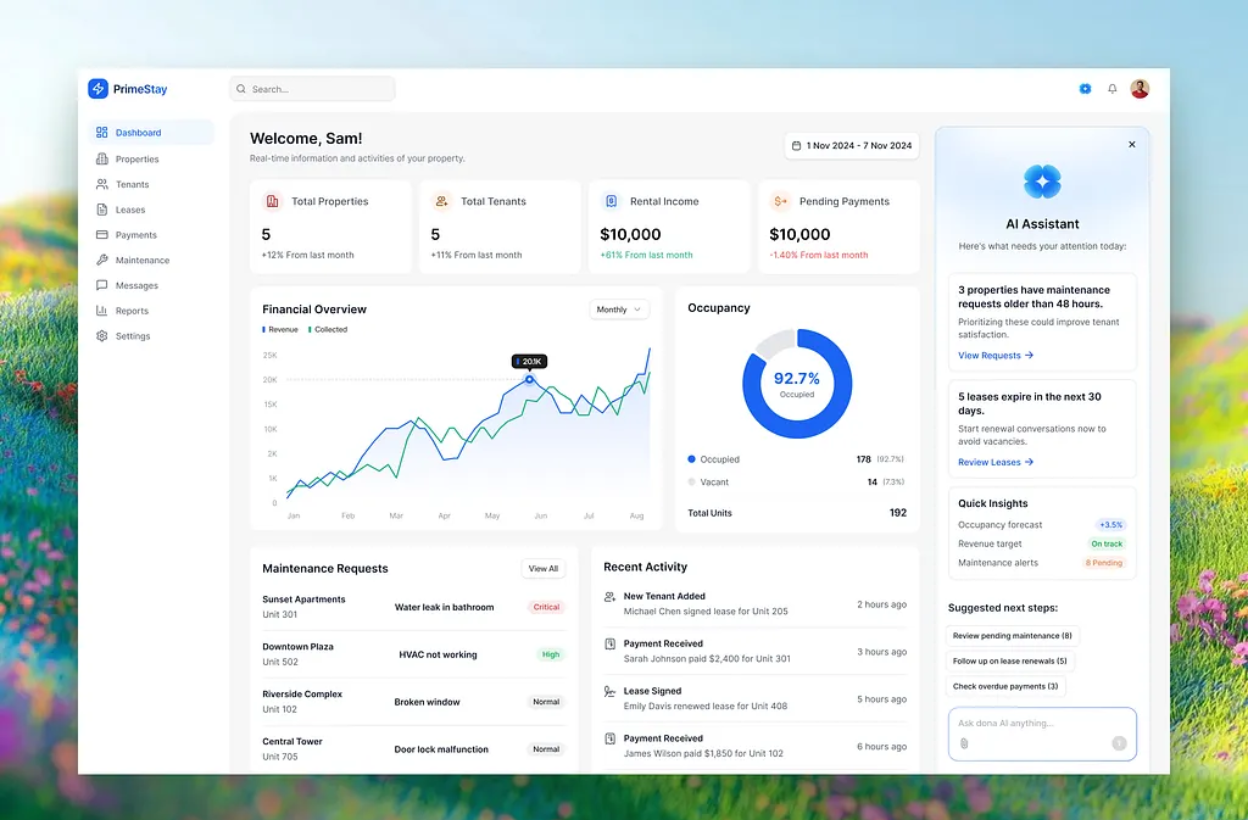
A process that takes 10 minutes manually takes 10 minutes whether you run it once or a hundred times. An automated process that takes 30 seconds runs the same at any volume. We build for the volume you're heading toward, not just where you are today.
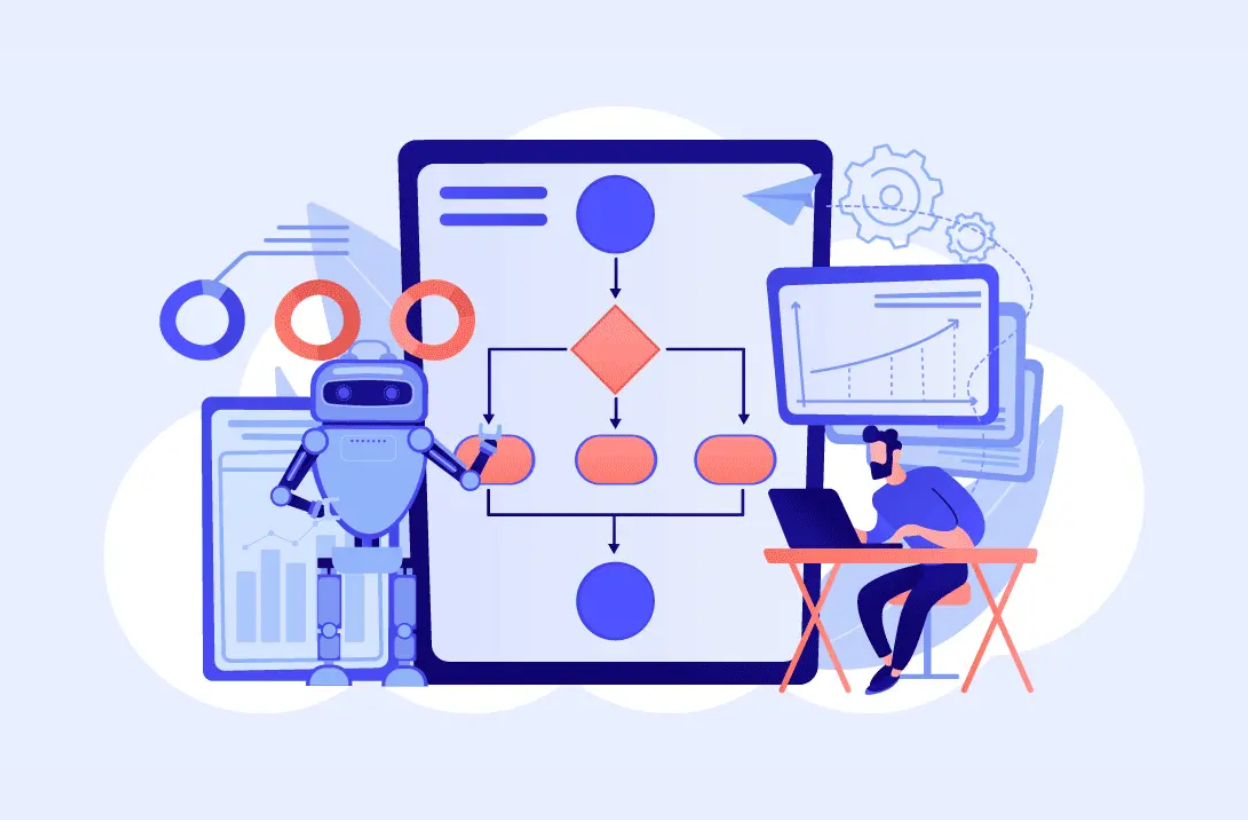
Built-in handling for failures, unexpected inputs, and edge cases. Retry logic, fallback paths, and failure alerts built into every workflow. When something lands outside the automated path, it gets handed to the right person with full context, nothing disappears quietly.
Business process automation services help companies automate full operational processes instead of only automating individual tasks. This can include data collection, approvals, CRM updates, document generation, email follow-ups, reporting, and handoffs between teams. The goal is to reduce manual work across the entire process from trigger to final outcome.
Workflow automation usually connects tools and automates specific steps, such as sending a notification or updating a spreadsheet. Business process automation goes deeper by redesigning the full process, including decision points, exception handling, data movement, approvals, and reporting. It is better for businesses that want to automate complete operations, not just small repetitive tasks.
AI business process automation can be used for customer support triage, lead qualification, invoice processing, document review, order management, risk scoring, data enrichment, internal reporting, and email handling. AI is especially useful when the process involves reading unstructured data, classifying requests, extracting information, or making context-based decisions.
You should hire a business process automation company when your team is spending too much time on repeatable manual operations, moving data between tools, checking records, sending updates, or handling the same process again and again. A good process automation company can audit the workflow, identify what should be automated, build the system, and add monitoring so the process runs reliably.
Intelligent process automation combines traditional automation with AI, data processing, API integrations, and decision logic. Instead of only following fixed rules, an intelligent process automation system can classify requests, extract data, score risk, generate documents, route tasks, and escalate cases when human review is needed. This makes it useful for more complex business workflows where simple rule-based automation is not enough.
Book a quick 20-minute call with our CEO Muneeb and we'll figure out exactly where we can help.
Practical systems that reduce manual work, lower costs, and help teams scale.