.svg)
Every business has processes that run on copy-paste, manual handoffs, and someone remembering to check something. We build automations that handle those steps, reliably, around the clock, without the errors.
The most expensive processes in a business aren’t the complex ones. They’re the simple ones that happen hundreds of times a week, the ones nobody has automated because each individual instance only takes five minutes.
Copy data from an email into a spreadsheet. Check an order status and send a customer update. Download a report, reformat it, and email it to a stakeholder. Move a lead from one system to another. Flag an overdue invoice.
Five minutes each, fifty times a day, that's over four hours of human time consumed by tasks that don't require human judgment. Over a year, it adds up to more than a thousand hours: the equivalent of half a full-time employee doing nothing but copying, pasting, and clicking.
To quantify that hidden labor before you automate, use our AI automation ROI calculator to estimate reclaimed hours, first-year net benefit, and payback from your own workload and costs.
But the time cost is only the beginning. The real damage compounds in three ways:

When a human copies an order number, a customer name, or a dollar amount between systems, mistakes happen. A single digit wrong in an order ID triggers a chain of downstream problems, wrong shipment, wrong invoice, wrong customer communication. The error is cheap to make and expensive to fix.
Manual workflows run on human availability. If the person responsible for a step is in a meeting, on vacation, or handling something else, the workflow stalls. Automated workflows run at the speed of the systems they connect, seconds, not hours.
The biggest cost is often the hardest to see. Your team spends significant time on connective work, moving data between tools, sending status updates, checking whether something was completed, that produces no direct value. This labor doesn’t show up on a task list, but it consumes real capacity. Most businesses don’t have a technology problem. They have a connectivity problem. The tools exist. They just don’t talk to each other.
We don’t start with tools. We start with the process, acting as your business automation consultant before we become your builder.
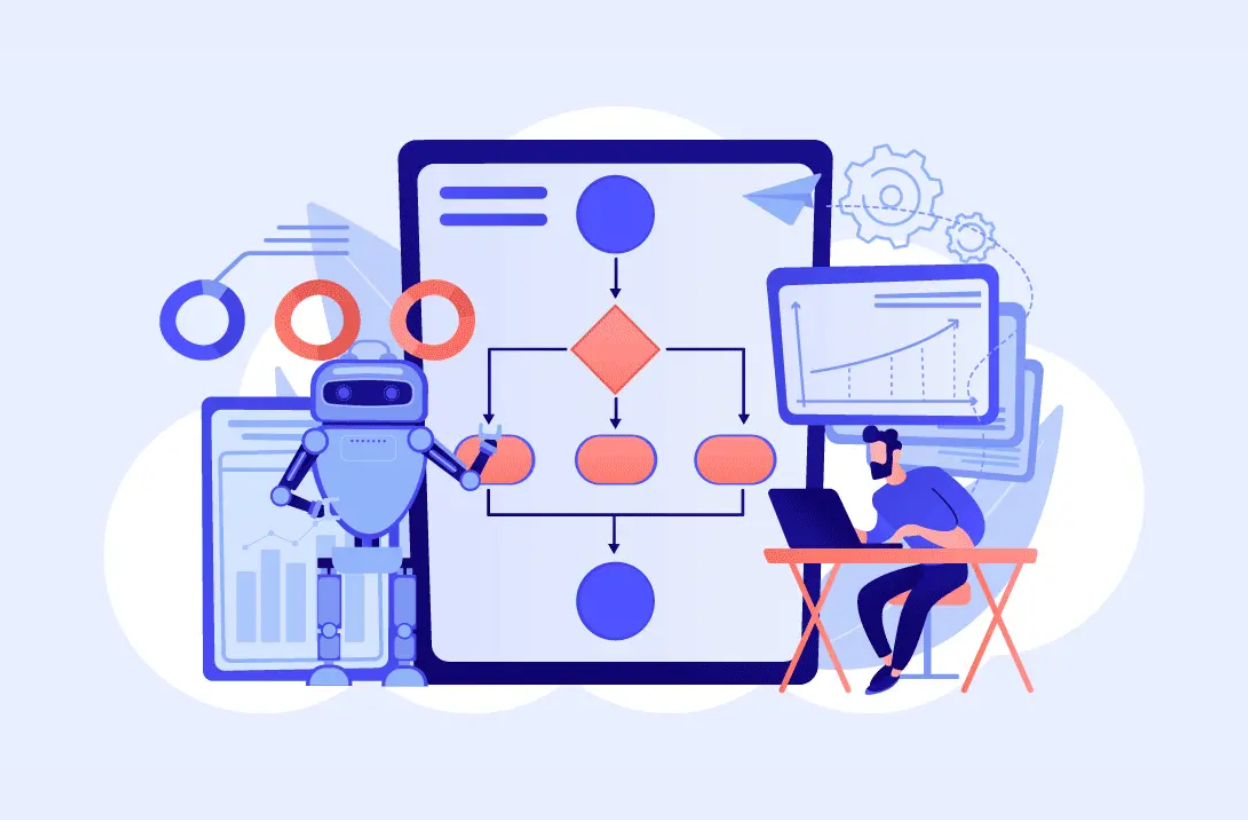
Before we open n8n or Make.com or write a single line of code, we map what’s actually happening. Not the idealized version in your process documentation, the real sequence of steps your team performs, including the workarounds, the exceptions, and the edge cases that only show up on Fridays. This mapping identifies which steps are automatable, which need human checkpoints, and where the highest-value opportunities are.
Everything gets mapped out on paper before a single line of code is touched. What triggers it, what happens at each step, how different scenarios get handled, what the fallback is when something goes wrong, and where a human needs to take over. You see the whole picture and approve it before we start building.
We build using whatever fits your stack best.
n8n is our go-to for anything complex, multi-step workflows with custom logic, deep API integrations, and the kind of reliability you only get from self-hosting. Branching conditions, data transformation, high volume, this is where n8n earns its place. Our experience with it is production-tested, not just theoretical.
Make.com works well for visual workflows connecting popular SaaS tools quickly. Good fit for teams who want to keep an eye on their automations and tweak things themselves without digging into code.
Custom code comes in when no-code platforms hit their ceiling. Headless browser scraping, complex AI analysis, real-time data enrichment, these get built with Node.js, Python, or serverless functions.
Not sure which one fits your situation? The right choice comes down to your workflow complexity, volume, and whether you need self-hosted reliability or something more visual. We advise based on your actual setup.
Every integration goes through official APIs, Shopify, Airtable, Slack, Gmail, CRMs, databases, whatever your stack looks like. The tool gets chosen based on the workflow, not the other way around; if you are comparing platforms yourself, start with our n8n vs Make vs Zapier comparison.
We test against real data and real edge cases before anything goes live. After deployment, we monitor for failures, unexpected inputs, and performance issues. Every workflow includes logging so you can see exactly what happened at each step, because automations that break silently are worse than no automation at all.
We confirm the exact quote after a short scoping call. Typical starting points:
Tool subscriptions, hosting and AI model usage are paid directly to the providers.
Not a prototype. Not a demo. A production-ready workflow running in your own accounts, connected to your real tools, processing your actual data.

Direct API integration automation connecting the platforms your team already uses, Shopify, Airtable, Google Workspace, Slack, HubSpot, Stripe, custom APIs. No screen-scraping hacks or CSV-based workarounds. If it has an API, we can automate around it.
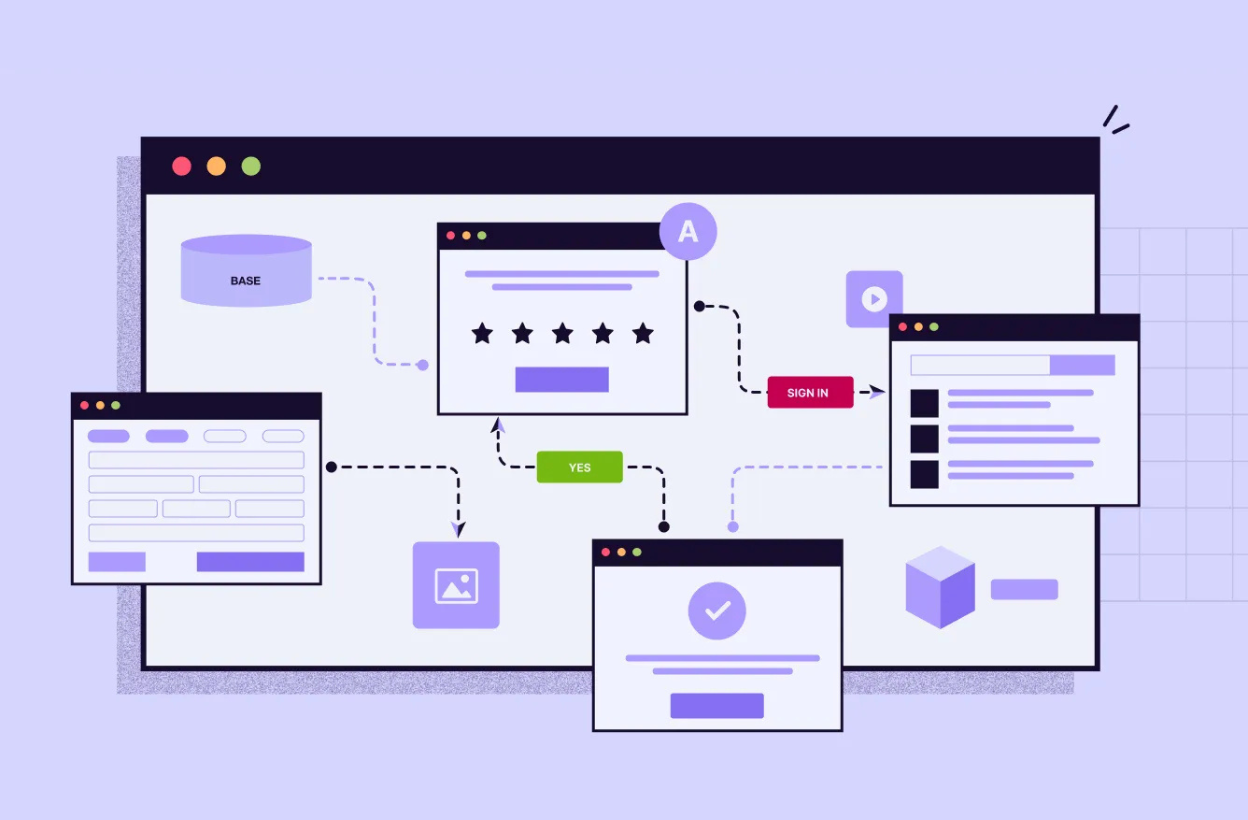
Built-in handling for failures, unexpected inputs, and edge cases. Every workflow has retry logic, fallback paths, and failure alerts built in. When something falls outside the automated path, it gets handed off to the right person with full context attached, nothing gets quietly dropped.
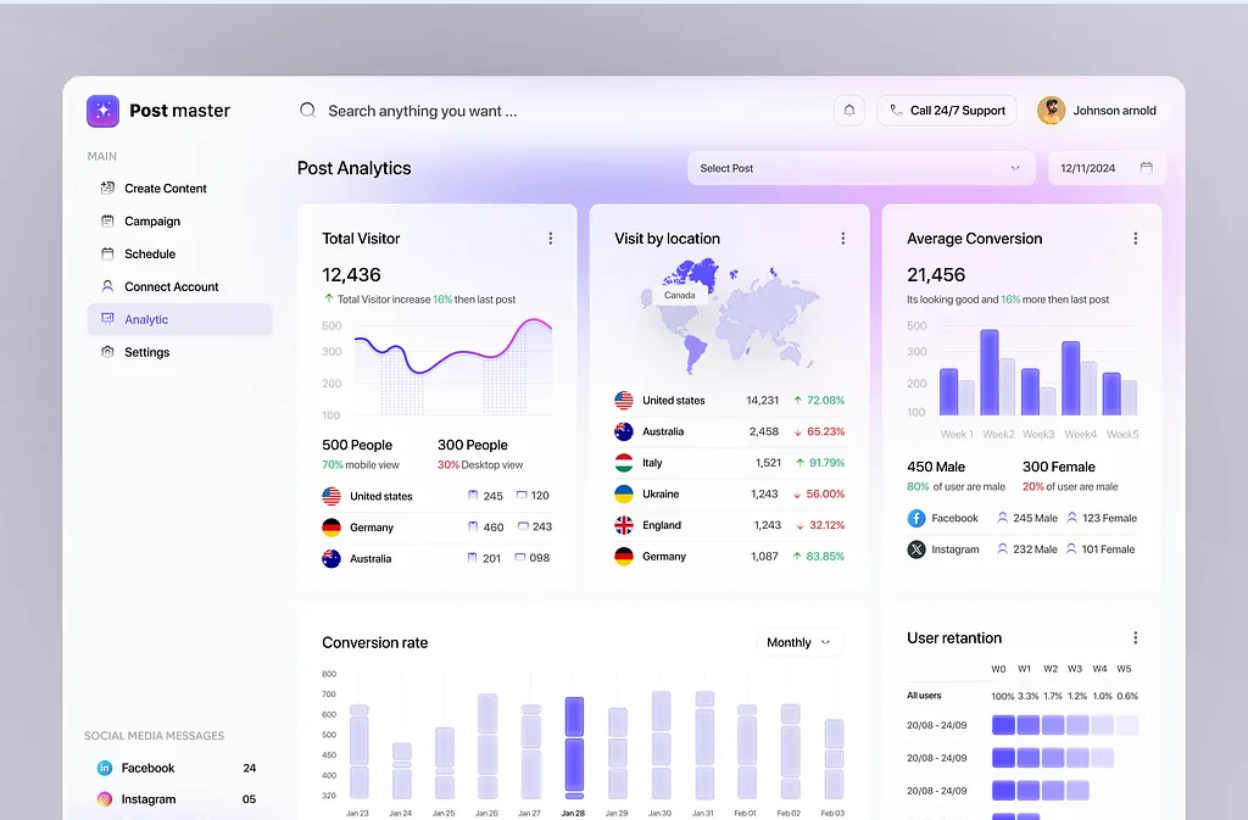
Every workflow run is recorded with timestamps, inputs, outputs, and status. You can trace exactly what happened and when, so troubleshooting is straightforward. Most of the time you'll catch something before your customers even realize there was an issue.
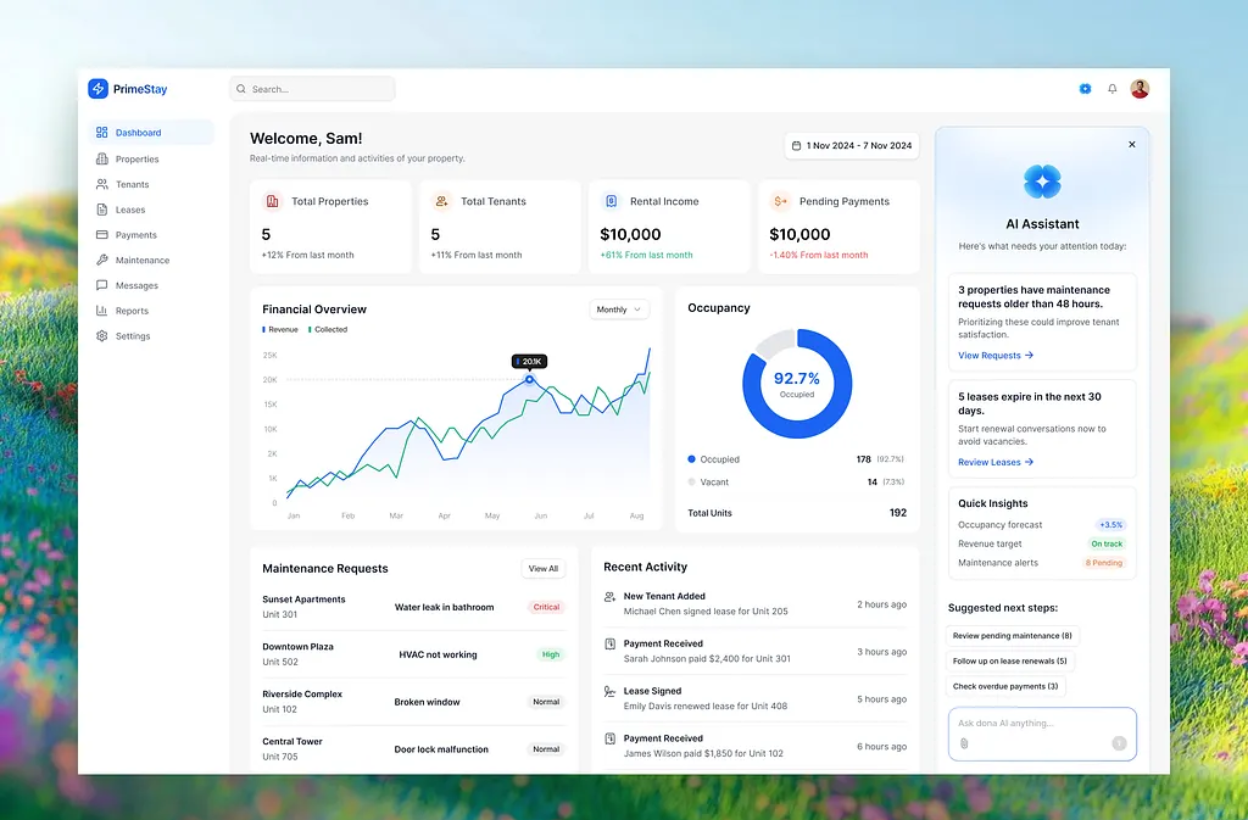
Clear documentation of every workflow: trigger conditions, data flow, decision points, and maintenance instructions. Your team should be able to understand and maintain what we build, not depend on us permanently.
When a workflow benefits from AI, email classification, content generation, data extraction, sentiment analysis, we integrate models like GPT-4o or Gemini directly into the automation pipeline. Not as a novelty, but where it genuinely removes a manual step.
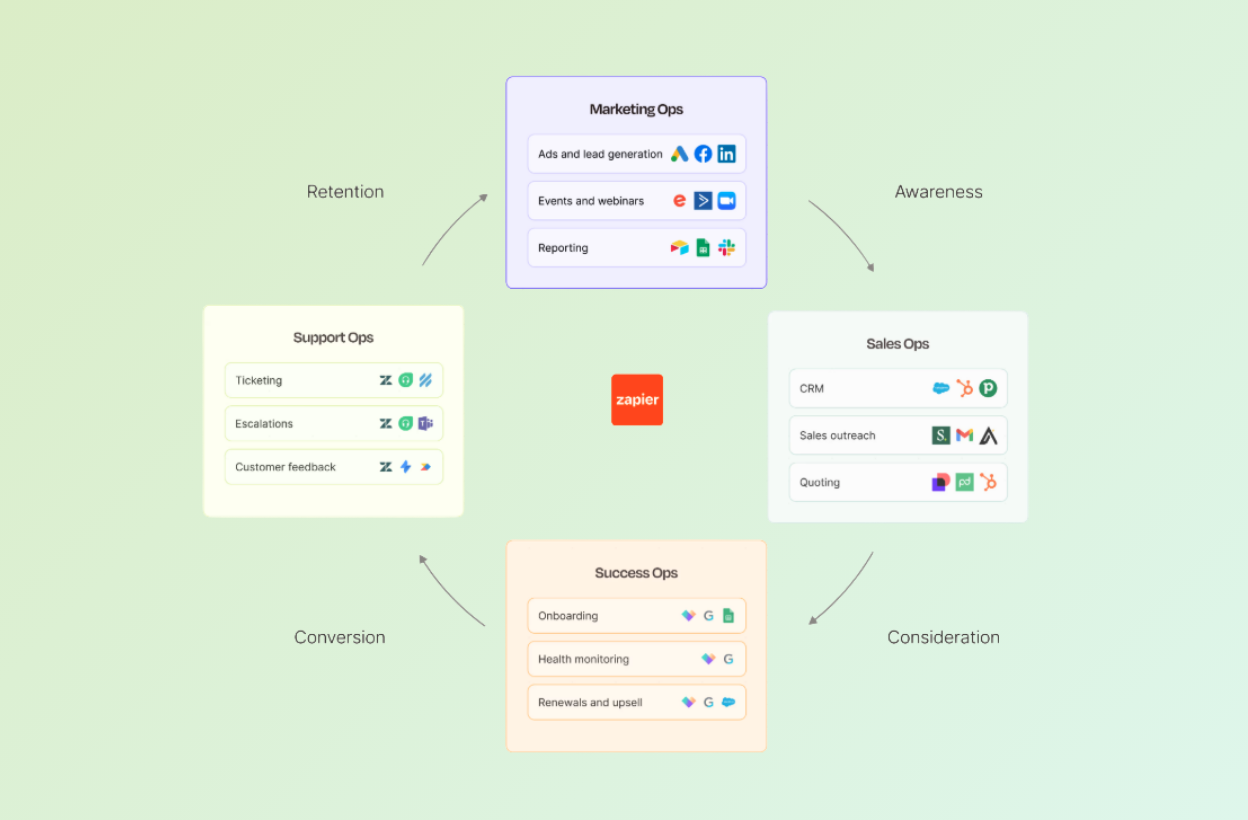
Workflow automation services help businesses automate repeatable tasks between the tools they already use, such as CRMs, email, spreadsheets, project management platforms, payment systems, and internal databases. Instead of manually copying data, sending updates, checking statuses, or moving information between platforms, automated workflows handle those steps in the background with clear triggers, logic, and error handling.
Common business process automation use cases include lead routing, customer support workflows, invoice reminders, order updates, CRM updates, reporting, data entry, email follow-ups, document processing, and task creation. The best processes to automate are repeatable, rule-based, and happen often enough that manual work creates delays, errors, or hidden labor cost.
We choose the platform from the workflow rather than the other way around. Make.com suits visual workflows across popular SaaS tools that your team wants to tweak itself. Custom code takes over when a no-code platform hits its ceiling, for headless scraping, heavy data work or real-time enrichment. For complex, multi-step or high-volume automation we usually reach for n8n, and our n8n automation services page covers that work in detail.
Yes. We build API integration automation around your existing stack, including CRMs, Gmail, Outlook, Google Sheets, Airtable, Slack, HubSpot, Shopify, Stripe, databases, and custom internal systems. The goal is not to replace your tools. The goal is to make them talk to each other so your team does not have to manually move information between them.
AI workflow automation is useful when a process needs more than simple “if this, then that” logic. For example, AI can classify emails, extract information from documents, summarize customer requests, generate draft replies, analyze sentiment, or route tasks based on context. Standard automation is better for predictable rules, while AI automation is better when the workflow requires understanding language, documents, or unstructured data.
Book a quick 20-minute call with our CEO Muneeb and we'll figure out exactly where we can help.
Practical systems that reduce manual work, lower costs, and help teams scale.