.svg)
Amplence builds custom AI agents for business operations, customer support, sales, admin work, reporting, document handling, and internal process automation. The goal is simple: fewer manual handoffs, faster execution, and AI systems your team can actually trust in production.
Chatbots answer questions. AI agents can take action.
That difference matters. A chatbot might tell a customer where to upload a document. An AI agent can read the request, check the customer record, extract details from the document, update your CRM, trigger a follow-up, and notify the right person when human review is needed.
The value is not in “having AI.” The value is in removing the manual middle steps that slow your team down every day.

Most chatbots are limited to answering FAQs, collecting leads, or pointing users to the right page. Useful, but still passive. Your team usually has to pick up the work afterward.
A well-built AI agent can connect to your CRM, inbox, database, project management tool, knowledge base, spreadsheets, internal dashboards, and third-party APIs. It does not just respond. It works inside the workflow.
AI agents should not be allowed to do everything freely. The right setup includes permissions, approval points, logging, fallback paths, and clear limits on what the agent can and cannot do.
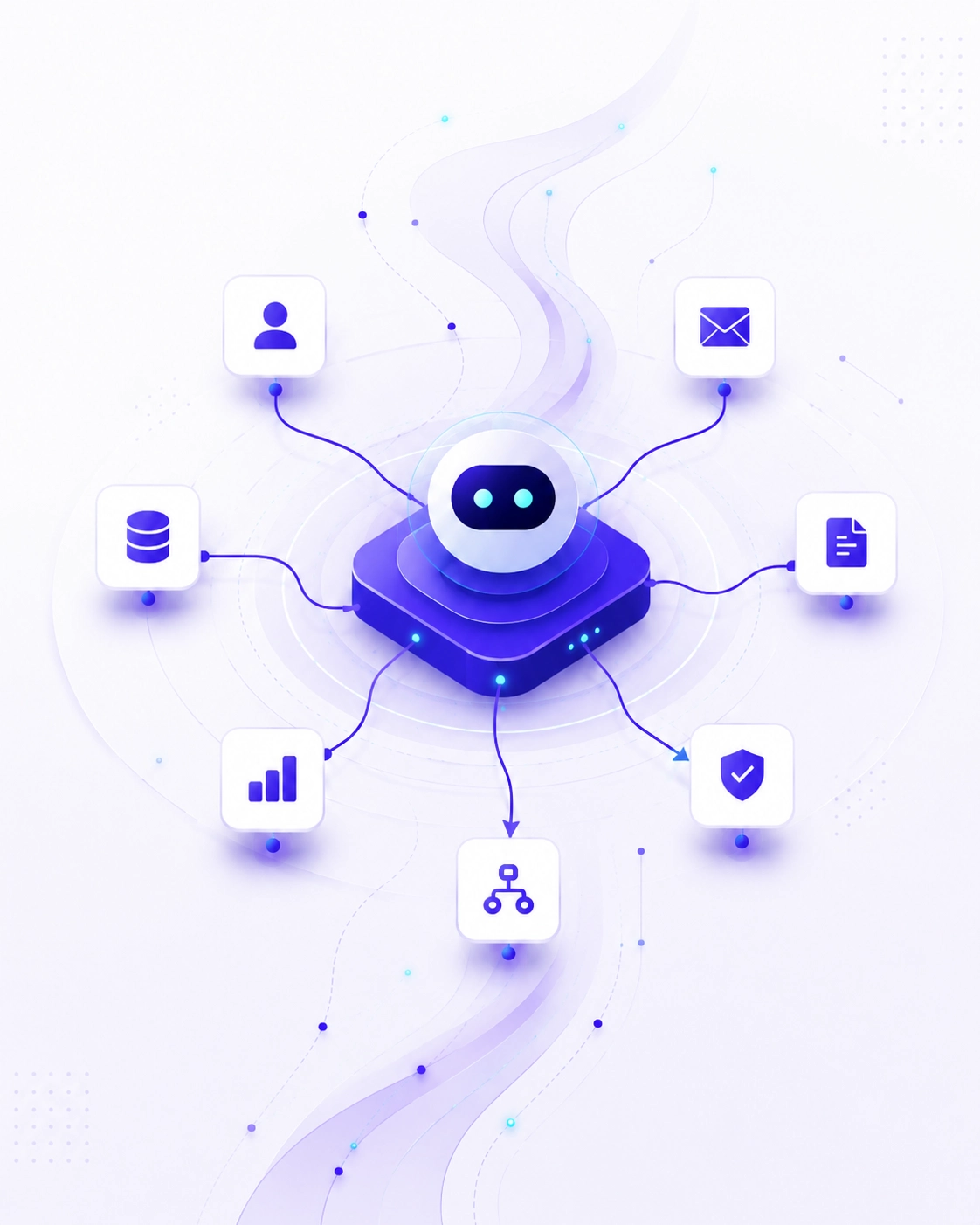

We do not start by asking which AI model to use. We start by understanding the workflow.
A good AI agent is not just a prompt. It is a system with data access, tool access, guardrails, memory, fallback logic, testing, and monitoring.
We break down the current process step by step. What triggers the workflow? What data is needed? Which decisions are made manually? Which tools are involved? Where can AI help, and where should a human stay in control?
This gives us a clear picture of what the AI agent should handle and what it should avoid.
Every agent needs a specific job. Not “help with operations.” More like: classify support emails, check customer history, draft a reply, update the ticket status, and escalate anything above a certain risk level.
The narrower the role, the more reliable the result.
We integrate the agent with the systems your business already uses: CRMs, inboxes, databases, Airtable, Google Workspace, Slack, Shopify, Stripe, Notion, HubSpot, internal dashboards, APIs, or custom software.
When needed, we also build AI agents with RAG so the system can retrieve relevant information from your own documents, policies, knowledge bases, or past cases before responding.
This is where the agent becomes useful. Instead of only generating text, it can call tools, update records, send drafts, create tasks, search approved sources, generate documents, or trigger automations.
Every action is scoped carefully so the agent only does what it is allowed to do.
Some workflows can run fully automatically. Others need approval before sending a message, changing a record, charging a payment, or making a decision.
We design the control layer around your risk level, not around AI hype.
We test the agent against real examples, edge cases, bad inputs, missing data, unclear requests, and failure scenarios. The goal is not just to see when it works. The goal is to understand how it behaves when things are messy.
Once live, the agent should be visible. We include logging, error handling, alerts, and documentation so your team can understand what happened, when it happened, and why.
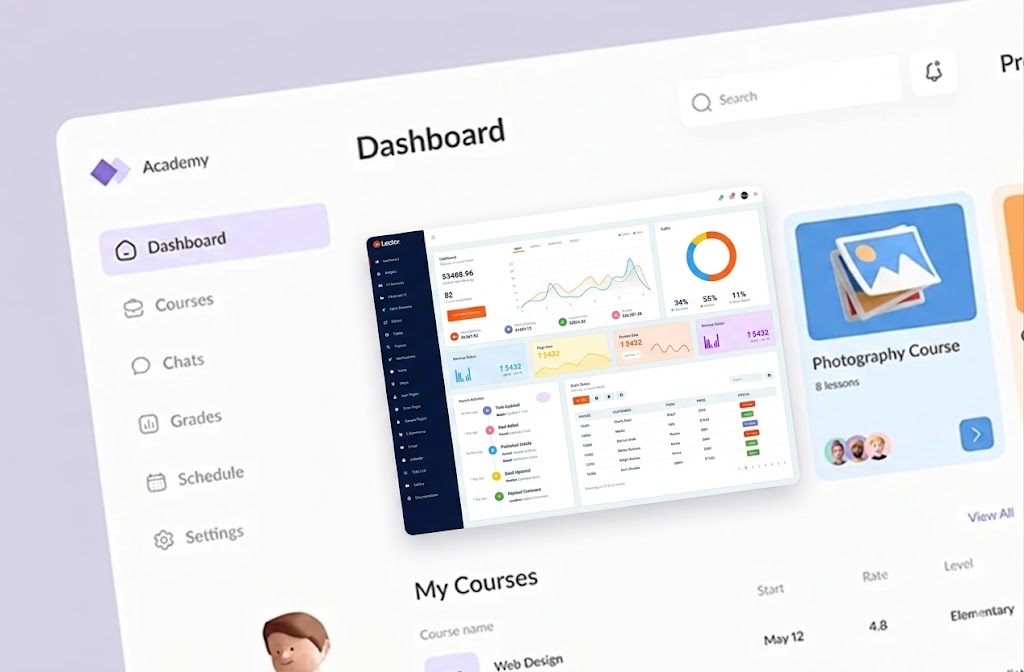
Not a demo. Not a prompt in a document. A working AI agent connected to your real tools, data, and workflows.

We define what the agent does, what it can access, what it should avoid, and where human review is required.
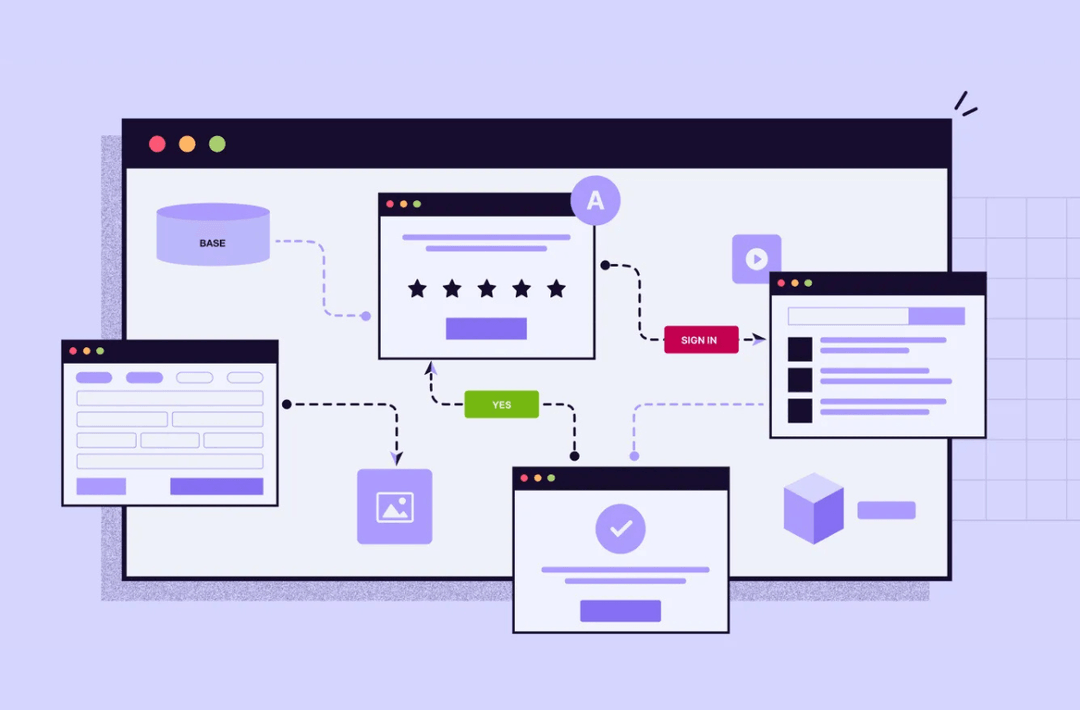
When your agent needs company-specific knowledge, we build retrieval systems using your documents, policies, FAQs, previous cases, or internal data.

We connect the agent with the systems it needs to use, such as CRMs, inboxes, databases, dashboards, spreadsheets, and third-party platforms.
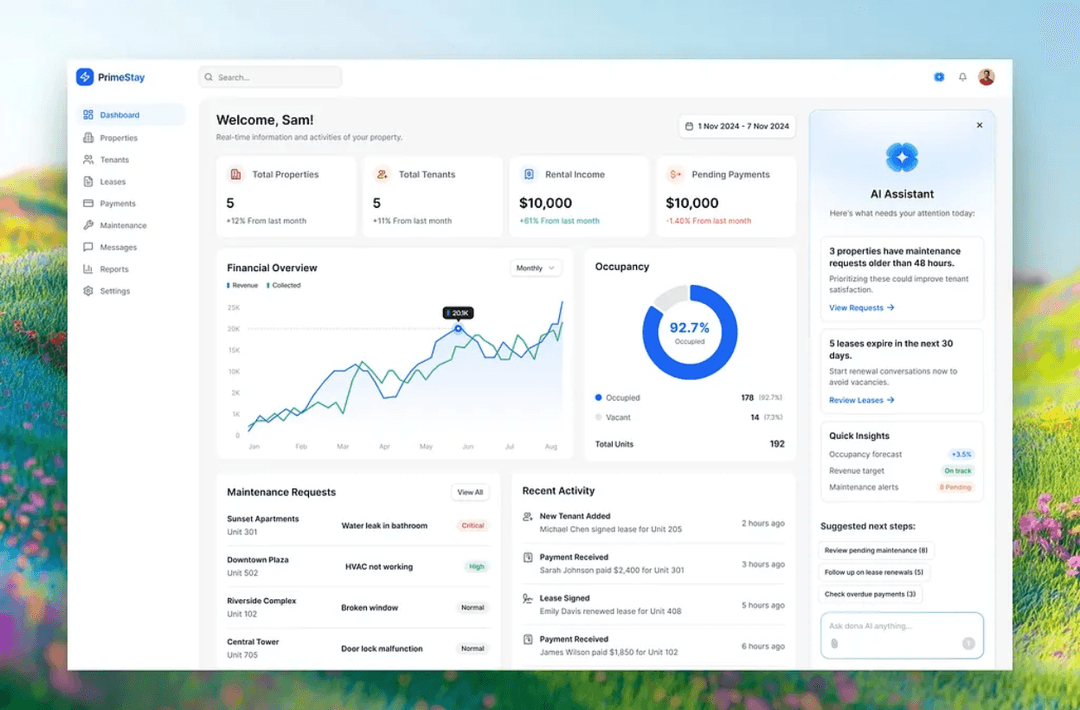
We design the agent’s instructions, decision flow, and tool-calling logic so it can handle the workflow reliably.

We add approval steps, restricted actions, error handling, and escalation paths so the agent does not operate blindly.
AI agent development services involve designing and building AI systems that can understand context, use business data, connect with tools, and complete specific workflow tasks. This can include customer support agents, sales agents, operations agents, document agents, research agents, or multi-agent systems.
Chatbots mostly respond to messages. AI agents can take action. A chatbot might answer a customer question. An AI agent can check the customer record, retrieve relevant information, draft a response, update a ticket, and escalate the case when needed.
Yes. We build custom AI agents around your workflows, tools, data, and internal processes. The agent is designed for a specific role instead of being a generic assistant.
AI agents can connect with CRMs, inboxes, databases, spreadsheets, Slack, Google Workspace, Shopify, Stripe, Airtable, Notion, helpdesk platforms, internal dashboards, and custom APIs. The exact integrations depend on your workflow and tool stack.
The cost depends on the workflow complexity, number of integrations, data sources, approval logic, and whether the agent needs RAG, dashboards, or custom software. We provide a clear project scope, timeline, and cost before development starts.
Book a quick 20-minute call with our CEO Muneeb and we'll help you identify where an AI agent makes sense, where it does not, and what a realistic first version should look like.
Practical systems that reduce manual work, lower costs, and help teams scale.


.webp)

.webp)
.webp)