.svg)
We're a Zapier Solution Partner (Silver tier). We build multi-step Zaps, clean up the ones that error or burn tasks, and tell you plainly when Zapier is the right tool and when it isn't.
Most Zapier accounts we look at work, more or less. The trouble shows up later, as a task bill nobody planned for, a folder of Zaps nobody fully understands, or an AI step that sends something it shouldn't.
Zapier counts a task each time an action step completes. Triggers don't use tasks, and neither do built-in tools like Filter, Formatter and Paths, so the same process can cost two tasks a run or ten depending on how it is built. Most of the savings we find come from rebuilding, not from changing plans. When the volume is high enough that per-task billing stops making sense, we say so and show you the numbers. Our n8n vs Make vs Zapier comparison covers where that line usually sits.
If you want to know whether a process is worth automating before you pay anyone, our ROI calculator gives you a rough answer in about a minute.

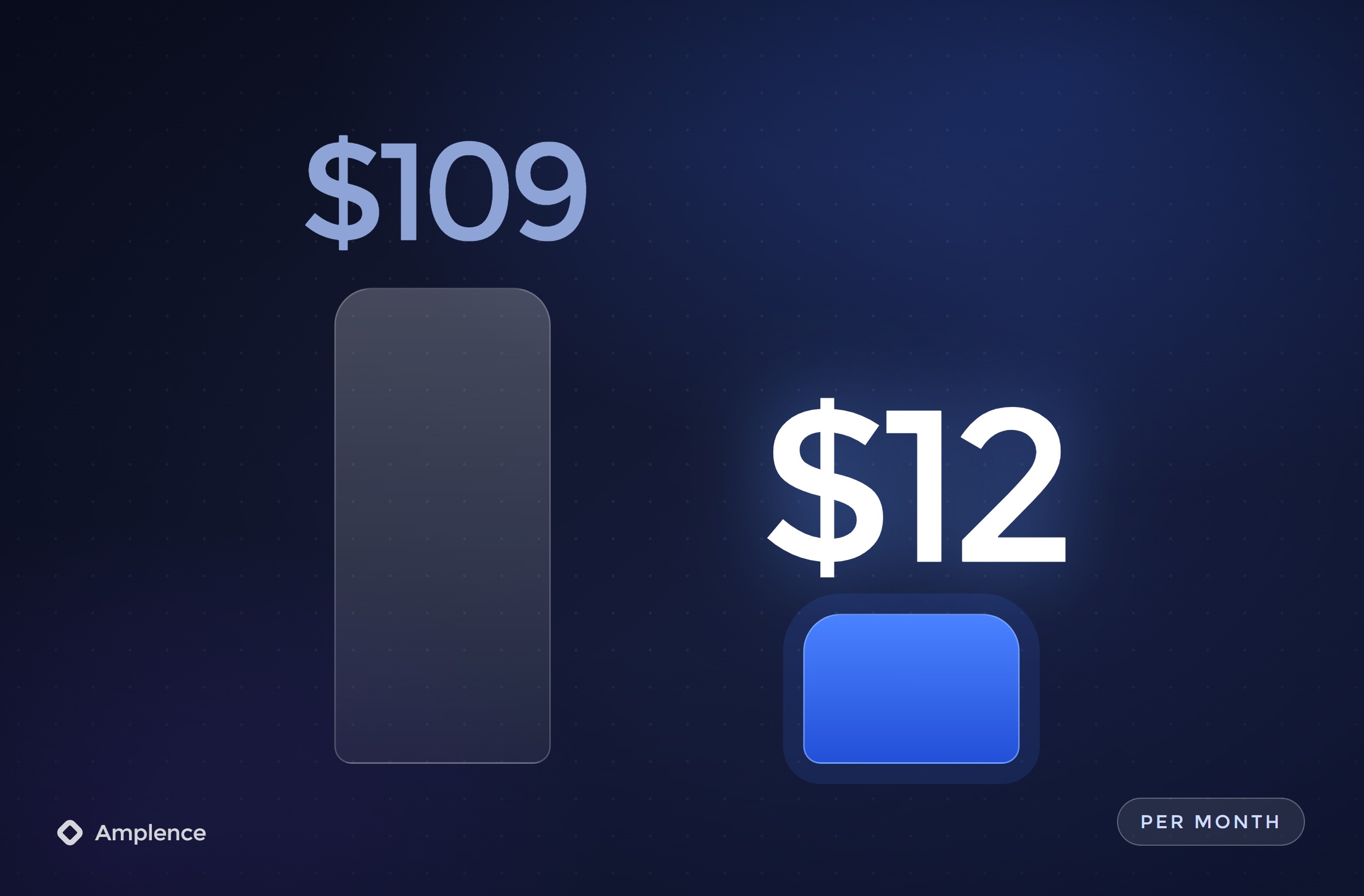
Zapier counts a task each time an action step completes, so a Zap with ten action steps that runs 2,000 times a month can use 20,000 tasks. Putting Filters early so bad records stop before the expensive steps, using Formatter instead of extra lookups and merging duplicate Zaps often cuts usage without changing the result. Pay-per-task overage costs more per task than your plan, so it pays to fix the build before you hit the limit.
Error emails go to whoever owns the Zap, and a Zap that fails almost every run can be switched off by Zapier. If that inbox belongs to someone who has left, leads stop flowing and nobody finds out until a customer asks. We add error handler paths to the steps that matter, send failures to a channel your team reads, and name every step so the Zap history makes sense to the next person.
AI steps make it easy to draft replies, sort requests and summarize records. They also make it easy to send a wrong answer to a customer at 2 a.m. We ask the model for a fixed format, check the output with a Filter or Path before anything is sent, and put an approval step in front of refunds, outbound email and anything else that costs money if it goes wrong.
We start with the process and the volume, not the app list. How often each Zap runs and how many action steps it has tells us most of what we need to know about cost and risk.
We go through your Zaps, folders and app connections: which ones run, which ones error, which ones use the most tasks and which ones nobody owns. You get a written list of what to keep, fix, merge or switch off.
Zapier suits low to moderate volume, a wide mix of apps and teams that want to edit their own automations. For very high volume or heavy data processing, a per-execution tool like n8n can cost far less. We show you both numbers. If Zapier is the right home, we stay on Zapier.
Steps renamed so the Zap history reads clearly, Filters placed early, Paths for the real branches, Formatter instead of extra lookups, and error handler paths that tell a named person what failed and why. Everything runs on your app connections, not ours.
AI steps return a fixed structure, the next step checks it, and anything unclear or expensive goes to a person to approve. You keep the speed without letting a model send things on its own.
Each Zap is tested on real sample records before it goes live. We watch the first live runs, then hand over a short note for each Zap: what triggers it, what it changes, who gets the alerts and what to check when it breaks.
Not every team needs a full build. Some need a second opinion on an account that grew without a plan. We work in four ways:
Amplence is a member of the Zapier Solution Partner Program at the Silver tier, which Zapier awards based on training and delivery. We also build in n8n and Make, so our advice on which tool to use does not depend on which one we happen to sell.
We confirm the exact quote after a short scoping call. Typical starting points:
Your Zapier subscription and any AI model usage are paid directly to the providers.
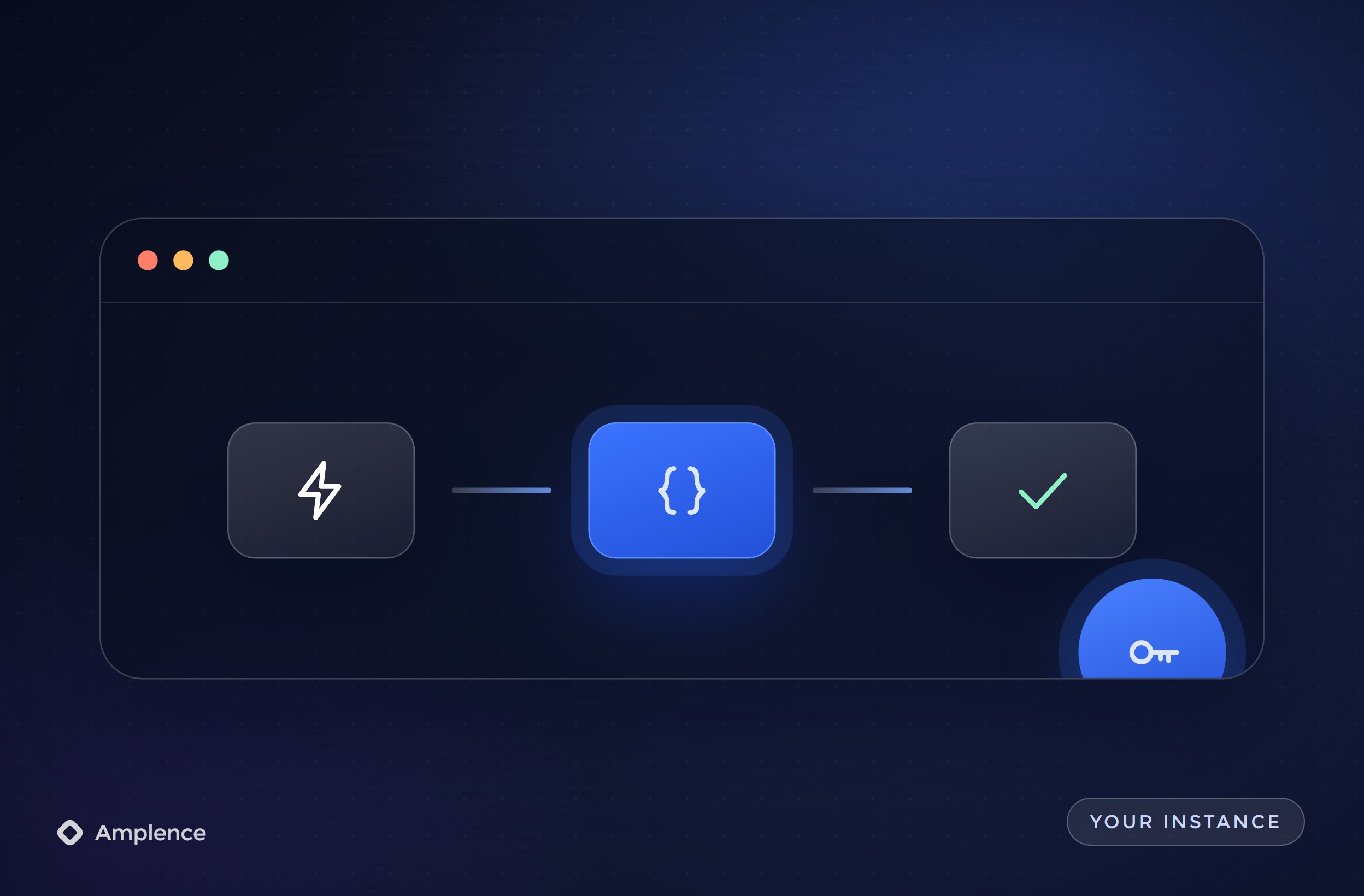
Built in your Zapier account on your app connections. If we stopped working together tomorrow, every Zap would keep running and stay editable by your team.
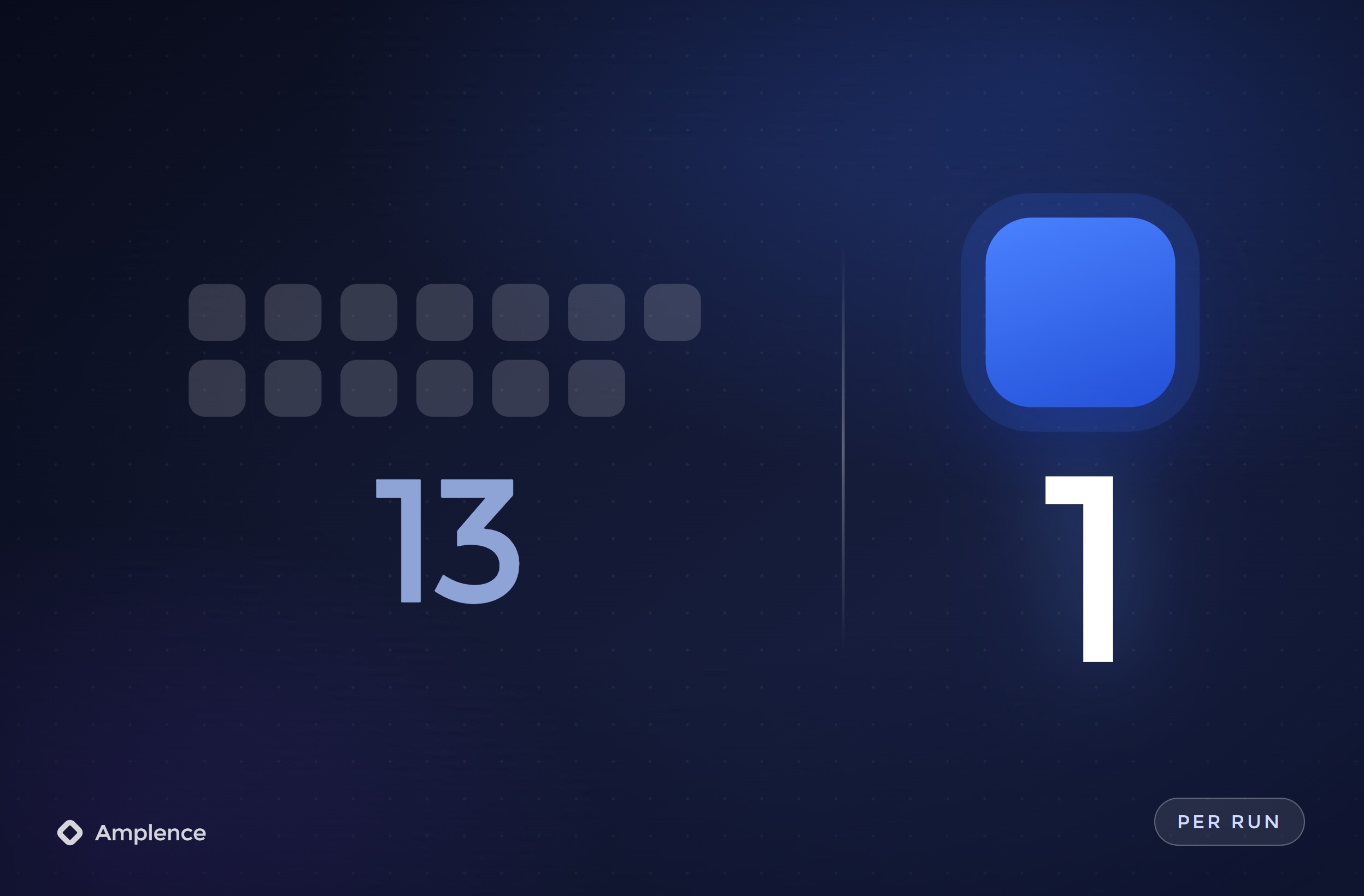
Filters first, Formatter instead of extra lookups, Webhooks where an app falls short and duplicate Zaps merged. We show task usage before and after the changes.
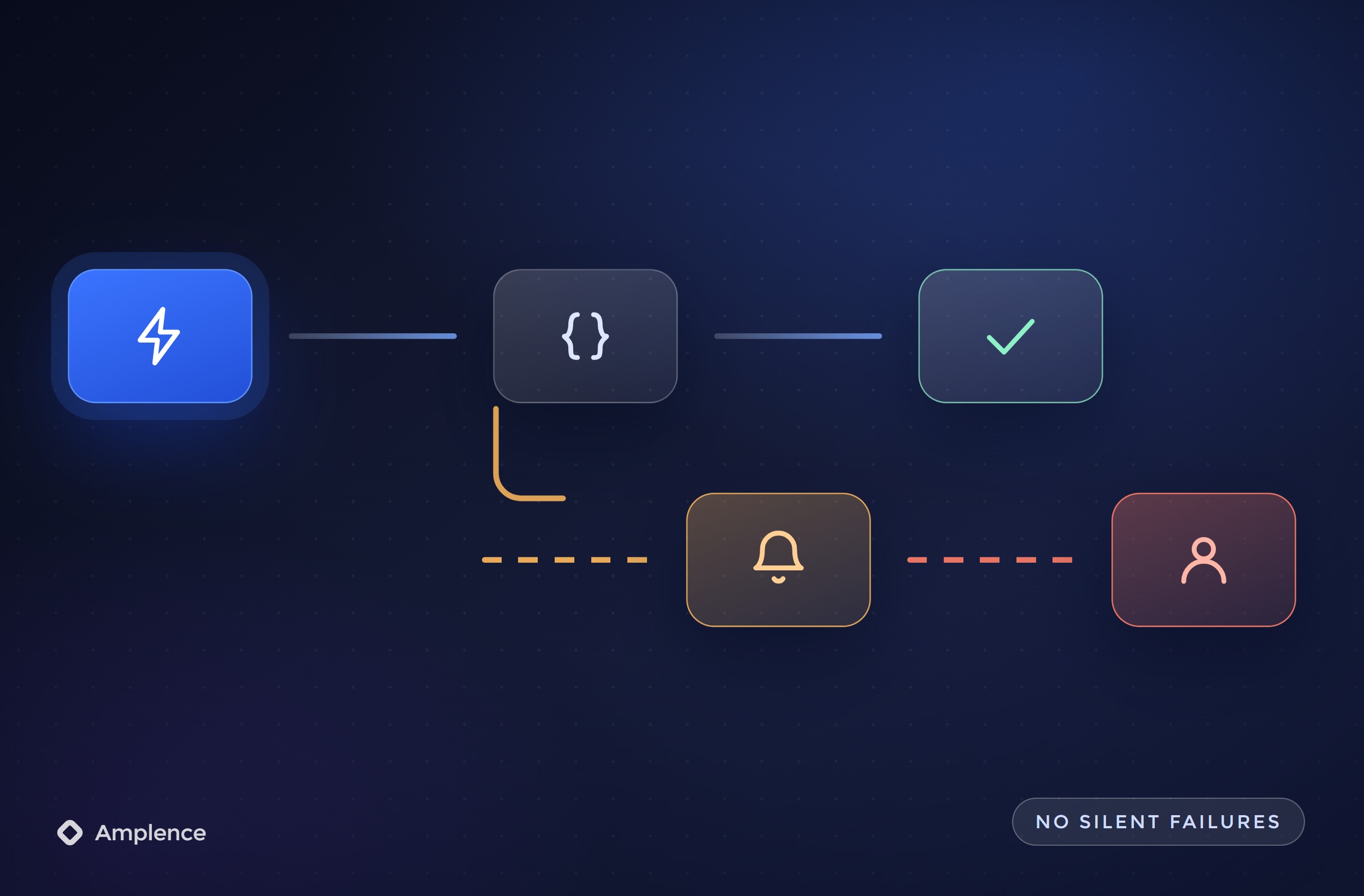
Failures go to a named person in Slack or email with the record and the reason, instead of an inbox nobody checks and a Zap that quietly gets switched off.
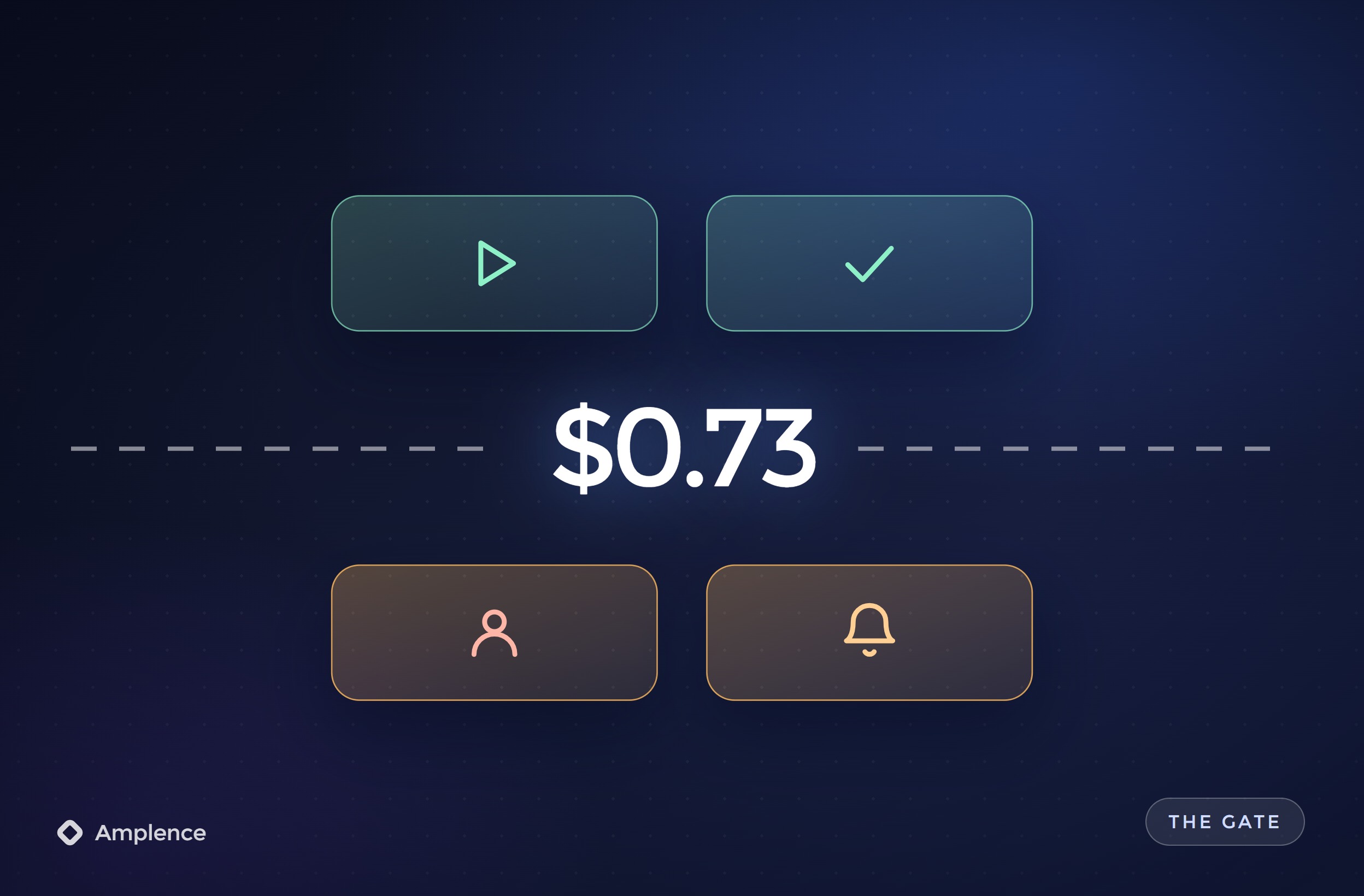
Every step renamed to say what it does, Zaps grouped into folders by team, and each Zap tested on real sample records before it is switched on.
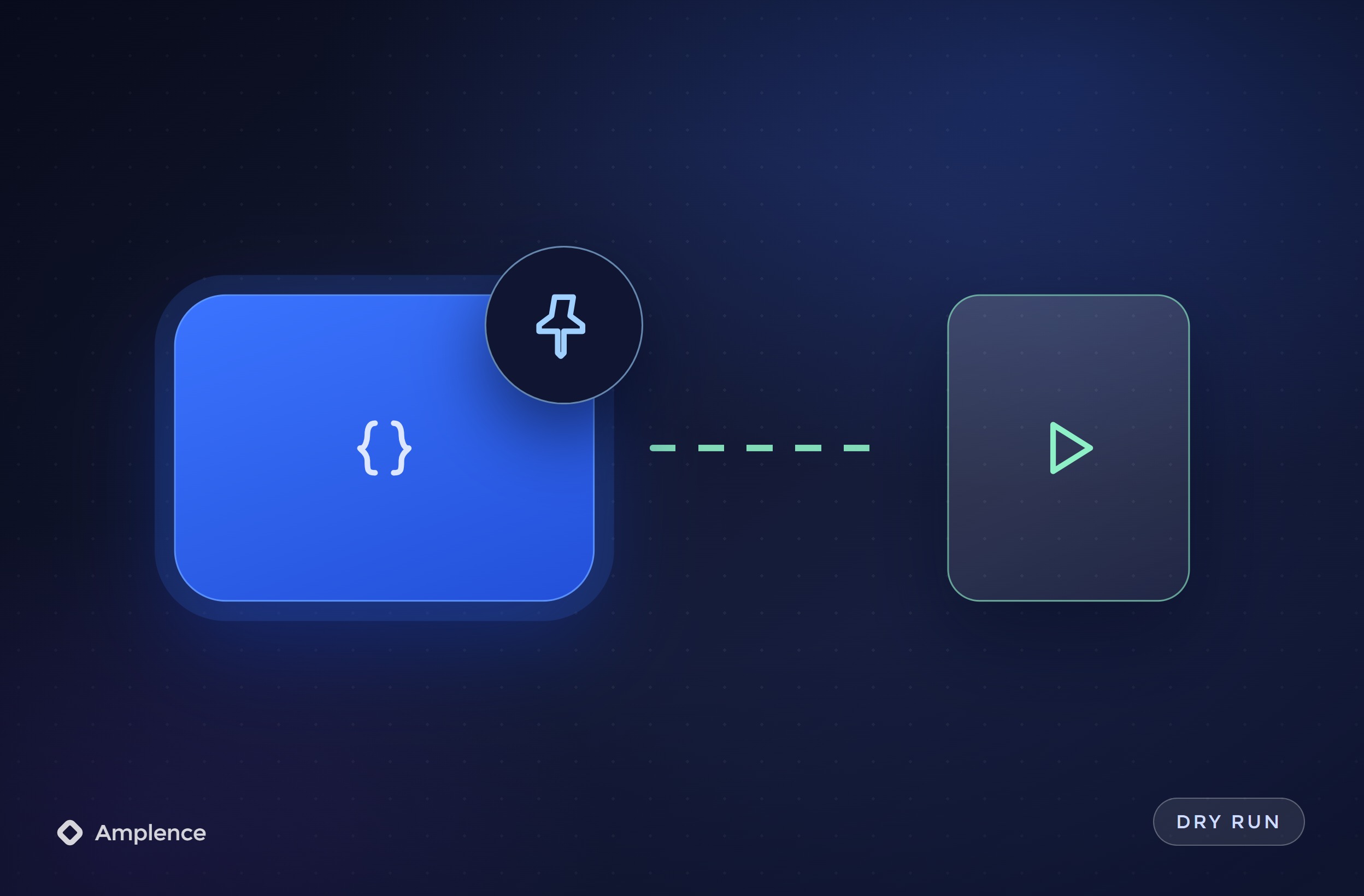
A short note for each Zap: what triggers it, what it changes, who gets the alerts and what to check first when it breaks. Your team can run it without us.
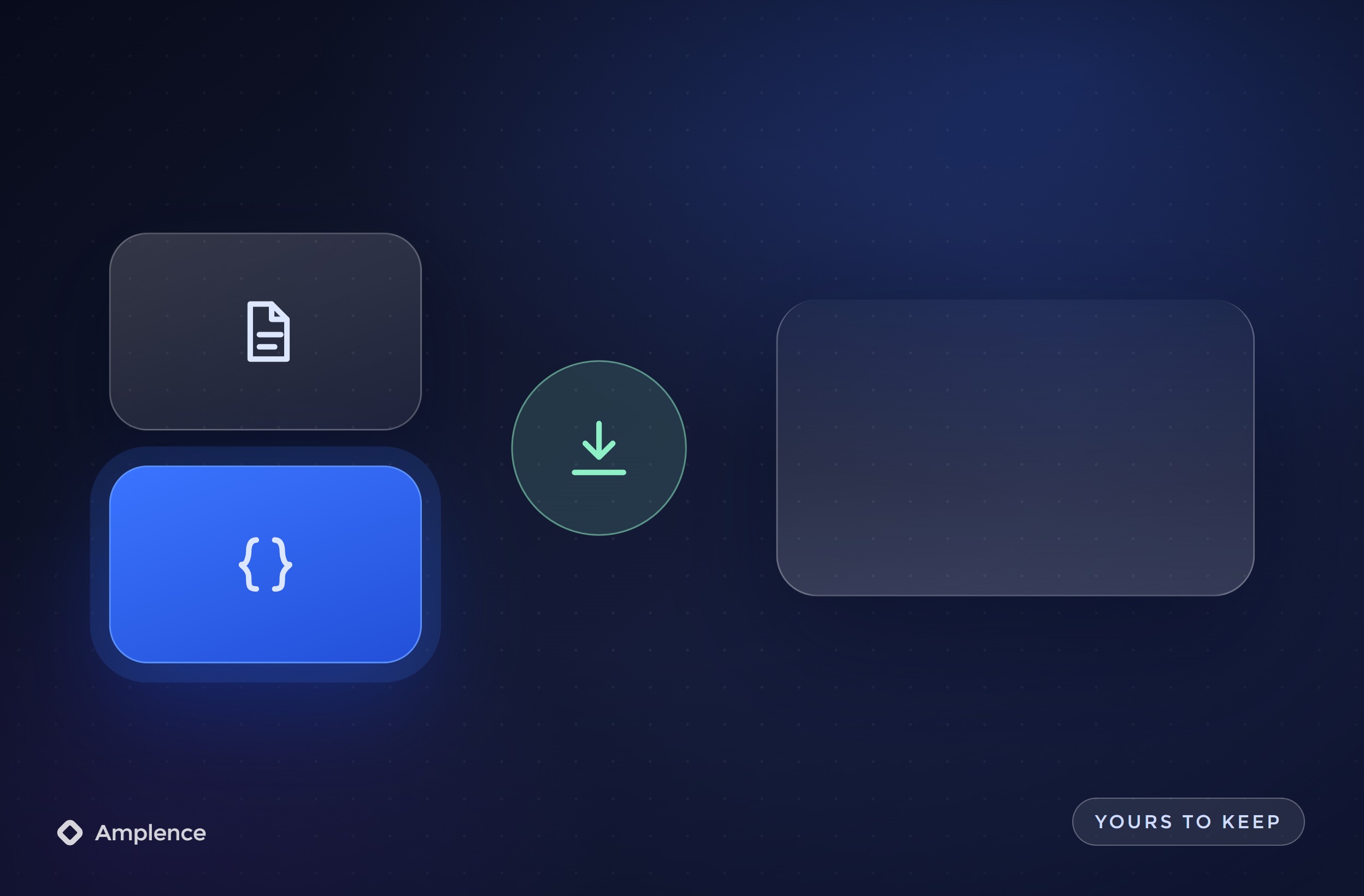
AI output comes back in a fixed format, the next step checks it, and refunds, outbound emails and other costly actions wait for a person to approve them.
Three things, mostly. We build new multi-step Zaps, clean up accounts where Zaps have piled up over the years, and fix the ones that error, get switched off or use far more tasks than they should. Every job ends with documentation, so your team knows what each Zap does and who gets the alert when it fails. If a process doesn't belong in Zapier, we tell you that too.
Usually because of how the Zaps are built. Zapier counts a task each time an action step completes. Triggers don't count, and neither do built-in tools like Filter, Formatter and Paths. So a Zap with ten action steps that runs 2,000 times a month can use 20,000 tasks, while a cleaner build of the same process uses far fewer. Overage on pay-per-task billing costs more per task than your plan, so fixing the build is usually cheaper than paying it.
It depends on volume and on who will maintain it. Zapier is the easiest for non-technical teams to edit and connects to more apps than most tools. n8n bills per execution rather than per step, so high-volume, many-step workflows can cost much less there, but someone has to look after it. We build in both, so we compare the real numbers for your Zaps and recommend the cheaper option your team can still manage.
For most business processes, yes. The Free plan includes 100 tasks a month and two-step Zaps only, so anything with more than one action, premium apps or custom error handling needs a paid plan. Paid plans are priced by monthly task volume, so we check your real usage and recommend the smallest tier that fits instead of the one with the most headroom.
Yes, and most of the work is in the checks around it. The AI step returns a fixed format, the next step validates it with a Filter or Path, and anything unclear goes to a person instead of a customer. Refunds, outbound emails and deletions wait for human approval. Zapier also sells Agents separately from task plans, and we will tell you when a plain AI step inside a Zap is enough.
Book a 20-minute call with our CEO Muneeb. Bring one Zap or process and its monthly run count, and we will tell you what it costs to build and to run.
Practical systems that reduce manual work, lower costs, and help teams scale.


